


Mini
$19
- 20 photos
- 45 mins delivery
- Every outfit and scene you pick
- Standard 1024 × 1536 px
Holiday portraits from your selfies
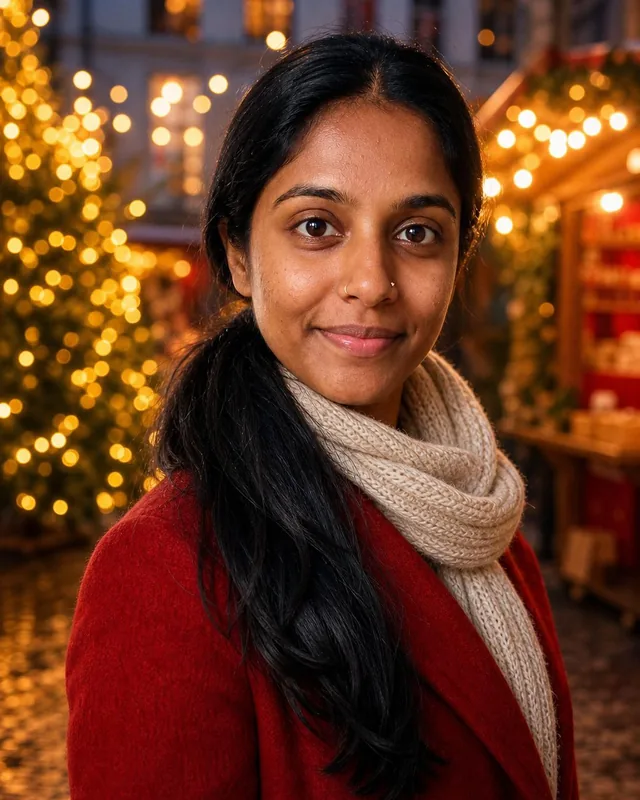
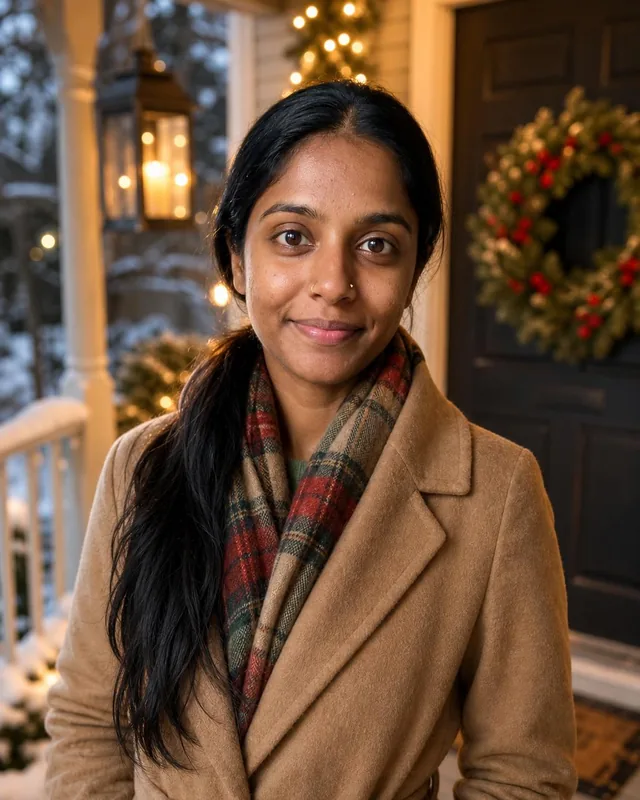
An AI Christmas photo of you by the tree, at a holiday market or in the snow, made from selfies. Use it for your card, profile or holiday post.
Create my Christmas photosYour photos stay private




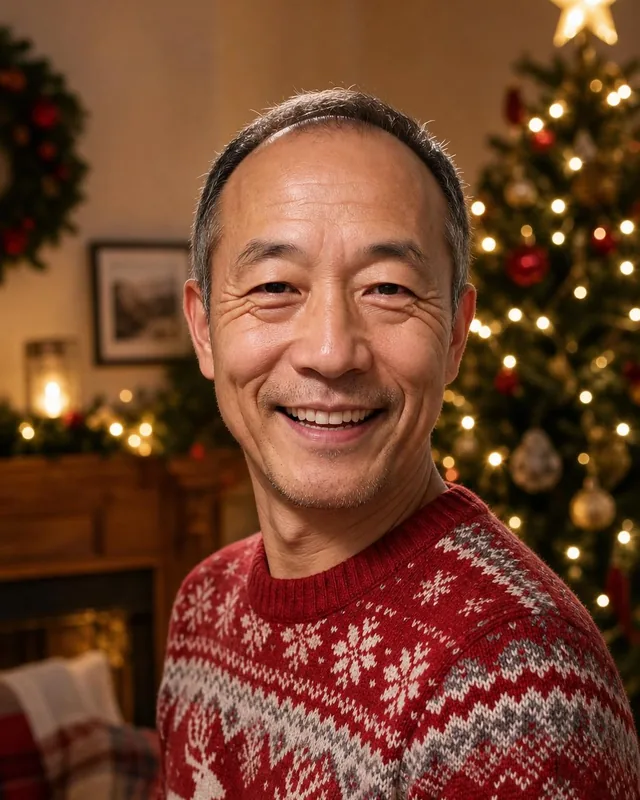


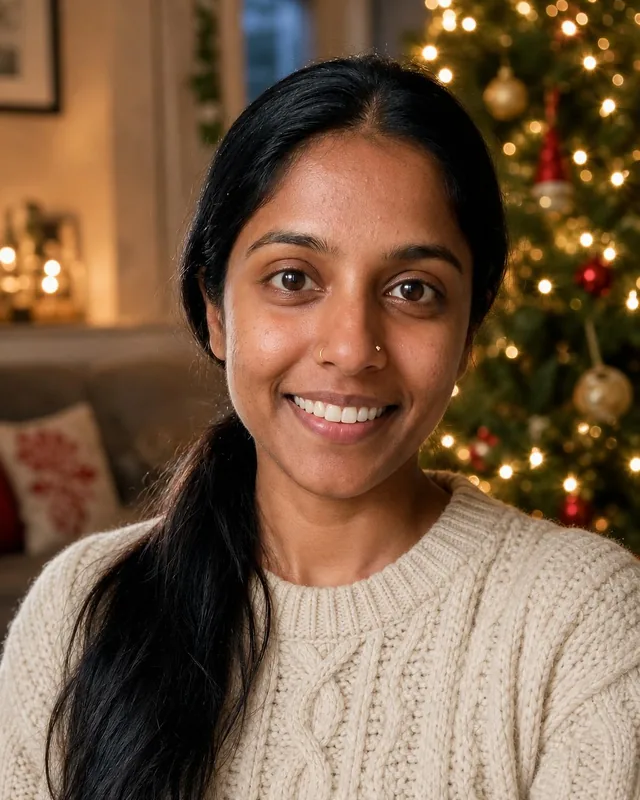
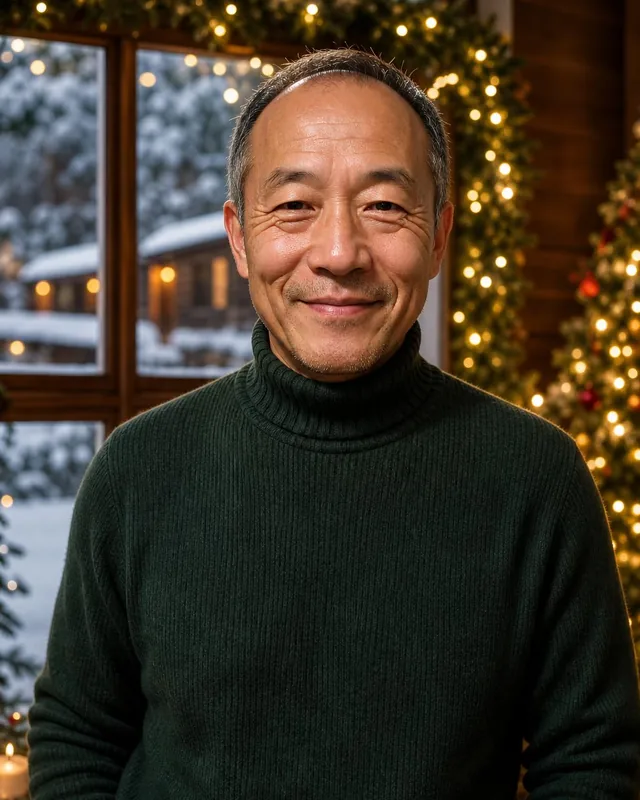
Trusted by over 2,787,000 professionals and teams. 47,090,000+ photos generated to date.
$29, ready in about 30 minutes. Mini has 20, Deluxe has 80.
Tree, fireplace, snowy street, holiday market, festive studio and a front door.
Cozy knits, a festive sweater, dressy party wear or a winter coat.
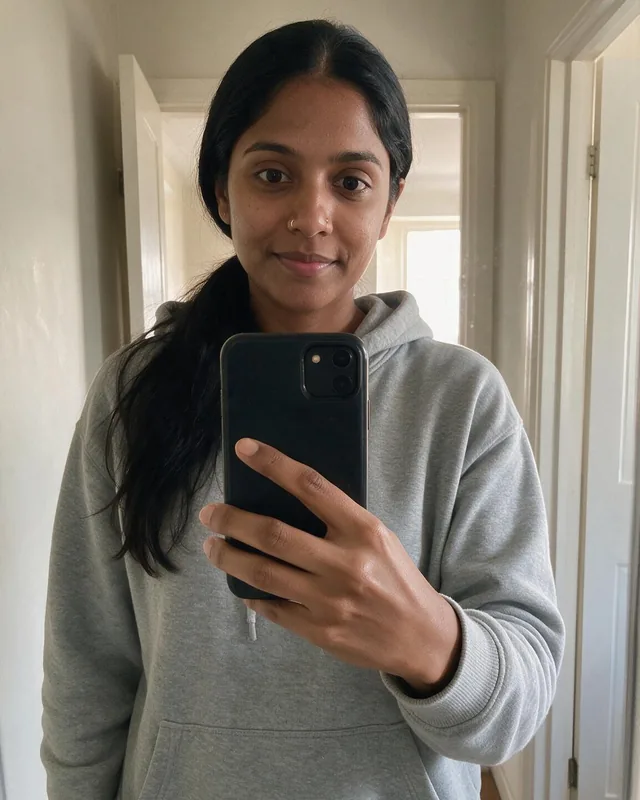
Made with Belagon from everyday phone selfies.

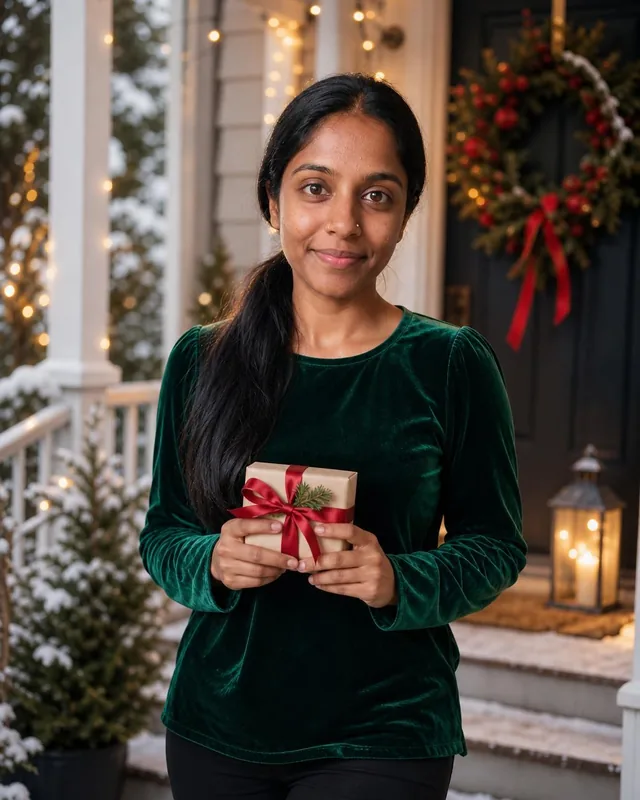
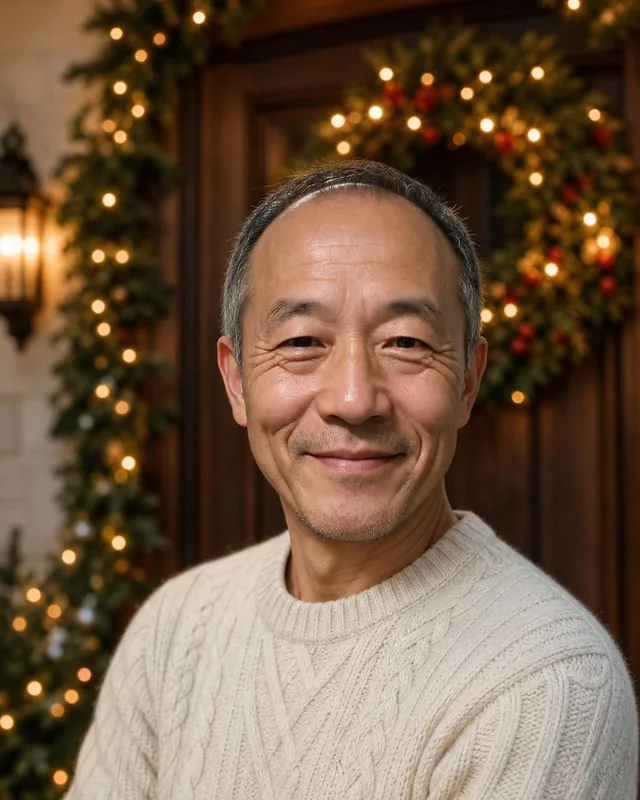
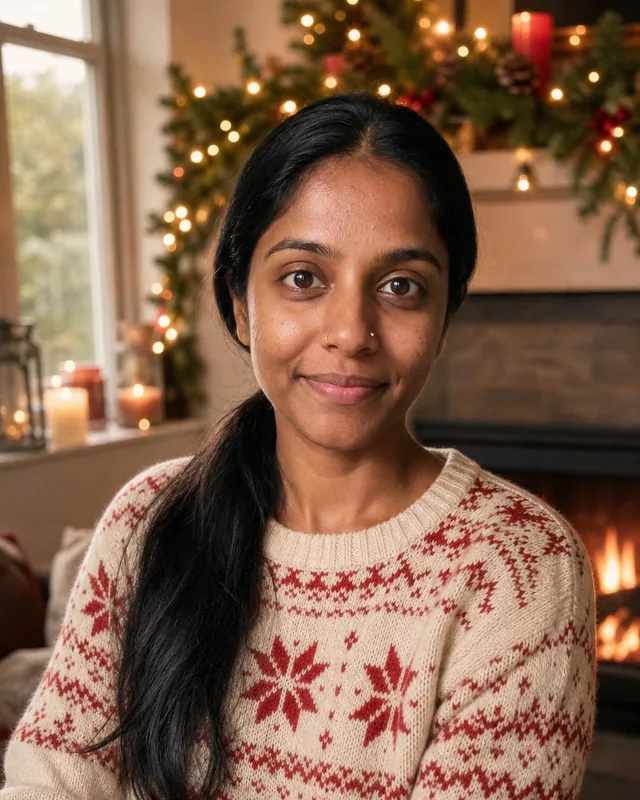
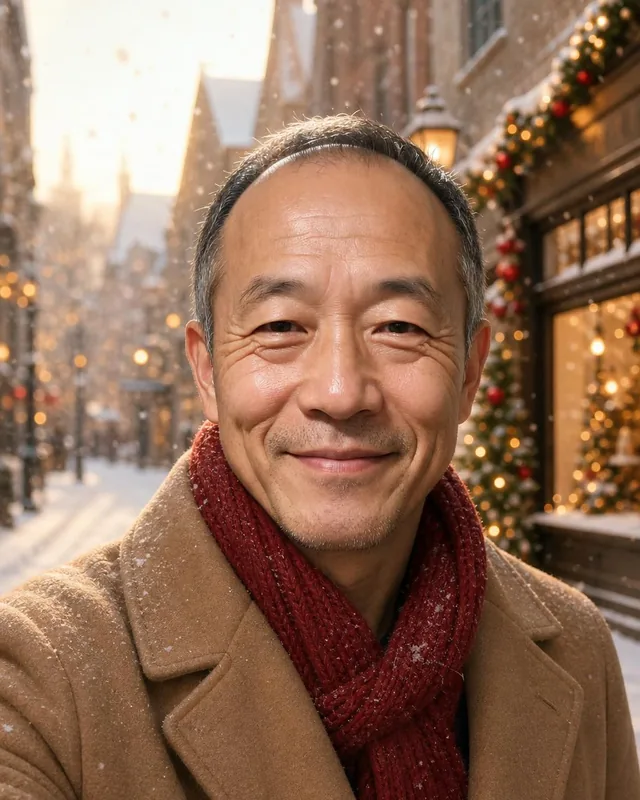
Pick any of them. You get an even mix across the ones you choose.
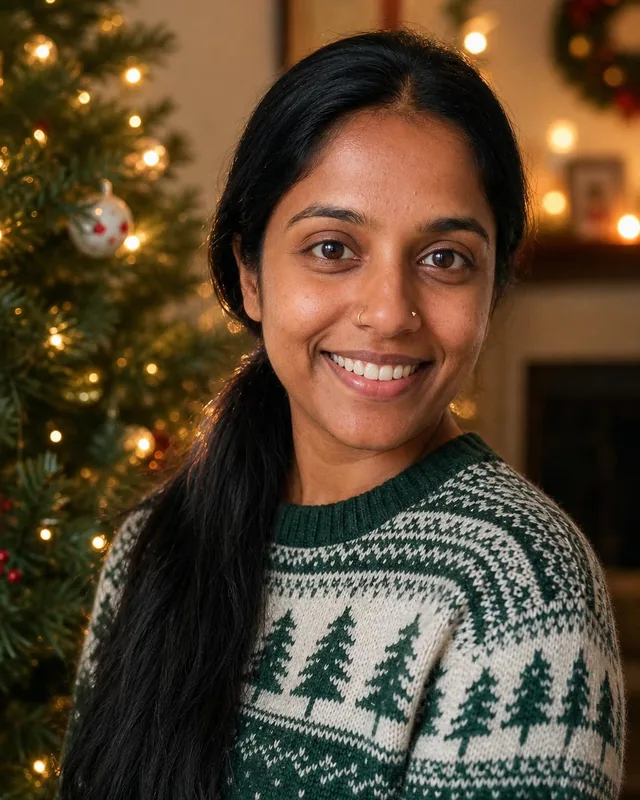

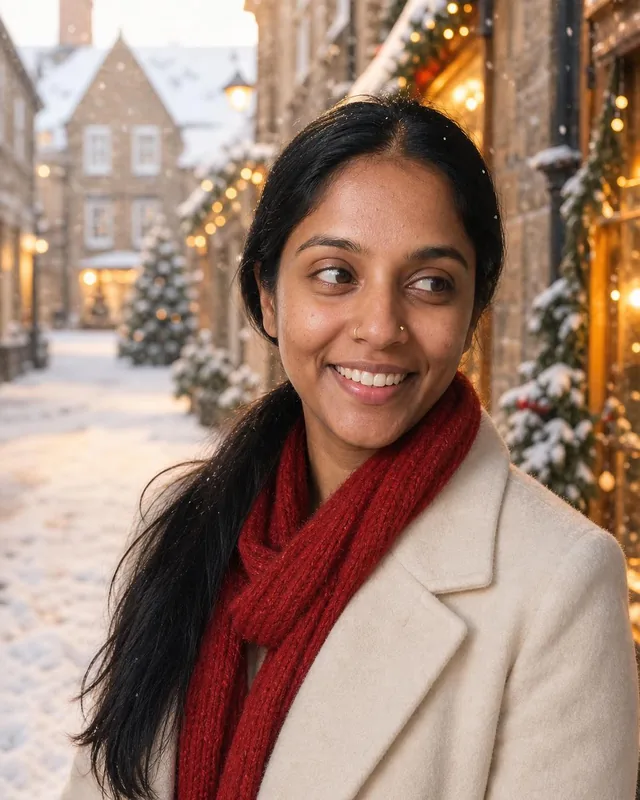

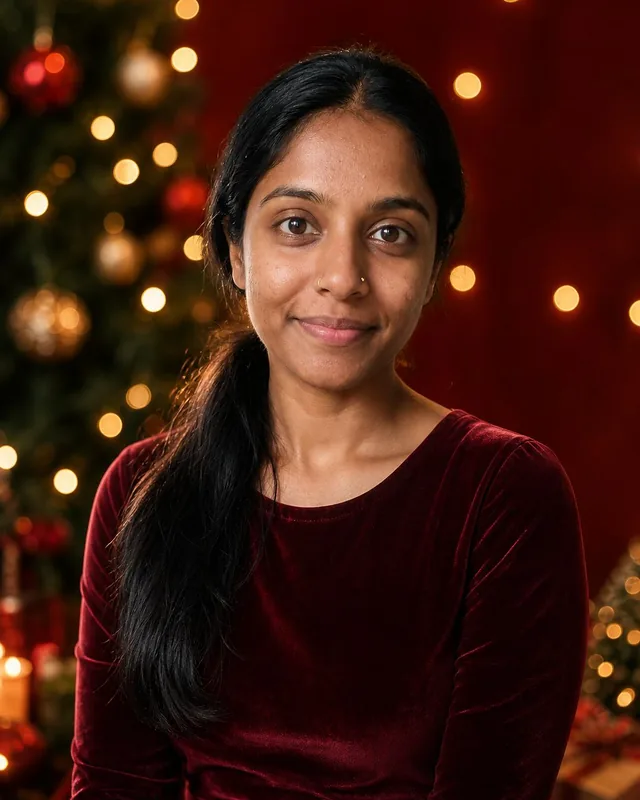
An AI Christmas card starts with one good portrait. As an AI Christmas photo generator, Belagon works from your selfies, so you get 20 to 80 shots of yourself and pick the card photo from a whole set. Choose your favorite, open a card template at your print shop or in a design app, and add the greeting there. We deliver the photos; the card design is yours.
Mini and Classic photos are 1024 × 1536 pixels, which prints sharp at 4 × 6 inches, the usual card and postcard size. Deluxe photos are 2048 × 3072 pixels, enough for an 8 × 12 print, a 5 × 7 card with room to crop, or a framed photo for a relative. Order one test print of your favorite before you order the full run of cards.
Card templates put the greeting above, below or beside the photo, and some lay it over the image. The festive studio and front door shots have the calmest backgrounds, so text sits well next to them. If your template puts text on the photo, pick a shot with open space on one side, such as the snowy street, and set the words in white or gold.
Beyond the card: a holiday profile picture on Facebook, Instagram or LinkedIn, a festive banner for your newsletter or email signature, a photo for a gift tag or a family calendar, a December post on your feed, or a framed print for a grandparent. Swap your usual profile photo back in January; a sweater by the tree looks out of place by March.
Each photo shows one adult: you. We don't make family group photos or photos with children. For a family card, use a real family photo, or ask each adult in the family to order their own set from their own selfies and combine the portraits in a collage card. Picking the same setting for everyone, such as the fireplace, makes the collage look planned.
Card printing and shipping both slow down in December, so make your photos in November and order cards with time to spare. Classic photos take about 30 minutes once your selfies pass the photo checks. Photos stay in your gallery for 30 days after delivery, so download the ones you want for cards, frames and posts before that window closes.
3 packs, from $19. No subscription.
$19
$29
$45
Money-back guarantee. How it works
Not happy with your photos? Tell us within 14 days, before you download, and we’ll redo them or refund you in full. How the guarantee works
Anything else? Email support@belagon.com.
No. Each photo is a solo portrait of the adult whose selfies were uploaded. We don't put several people in one image, and we never make photos of children.
Christmas packs are Mini at $19 for 20 photos, Classic at $29 for 40 and Deluxe at $45 for 80 at 2048 × 3072 pixels. It's a one-time payment.
Classic is ready about 30 minutes after your selfies pass the photo checks. Deluxe takes about 20 minutes and Mini about 45, so you can order on the evening you write your cards.
Each photo is checked against your selfies, and poor matches are screened out. Festive outfits and warm lighting can change the look a little, so browse the whole set and pick the card photo that looks most like you.
Yes. You own the photos and can print them anywhere. Classic suits 4 × 6 inch cards; Deluxe has the resolution for larger prints.
No. You get the photos. Add them to a card template from your print shop or a design app.
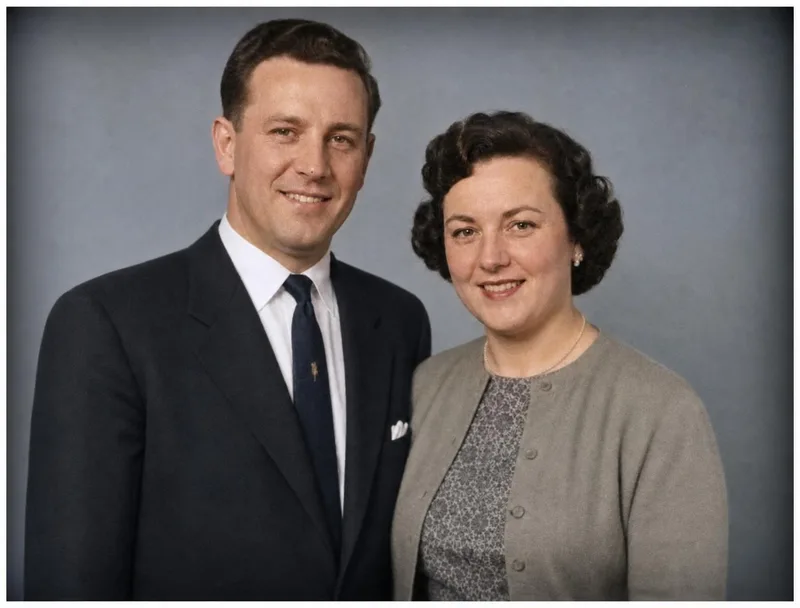
Yes, as a separate order. Upload a scan or a phone photo of the print and you can restore an old family photo for $5. Scratches and fading are repaired, and black and white photos get a colorized version.
Preview the whole set first. If it isn't what you wanted, email us within 14 days of delivery and before downloading anything, and we redo the order or refund it in full. See the refund policy.
Your selfies are deleted 7 days after your Christmas photos are delivered, and the photos themselves after 30 days. You can delete both earlier from your account. Details in our privacy policy.