Basic
$35$59
- 40 headshots
- 45 mins delivery
- Every outfit and scene you pick
- Standard 1024 × 1536 px
For your LinkedIn profile picture
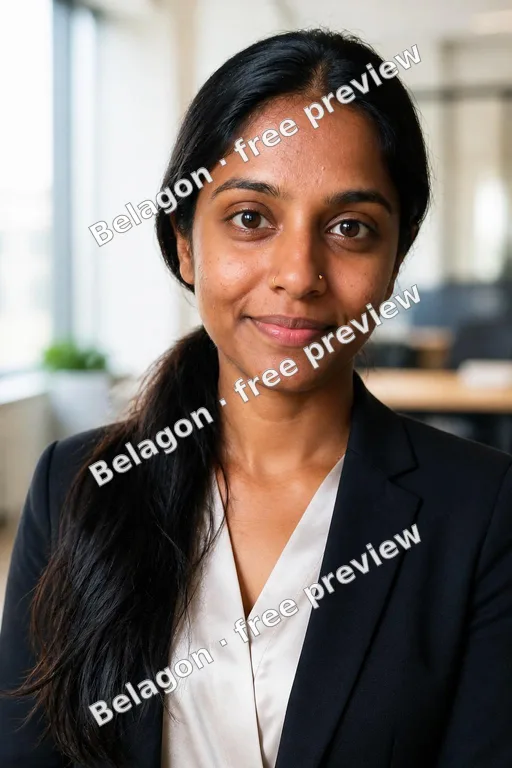
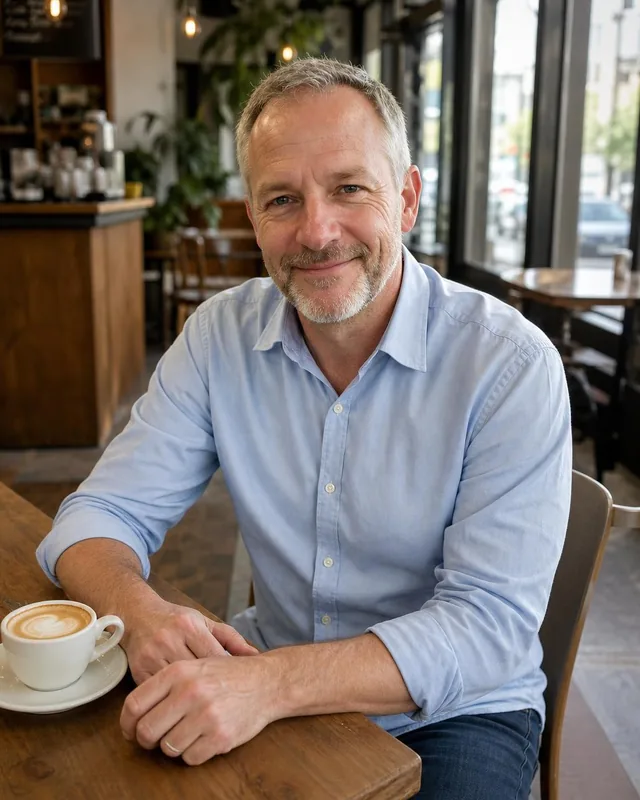
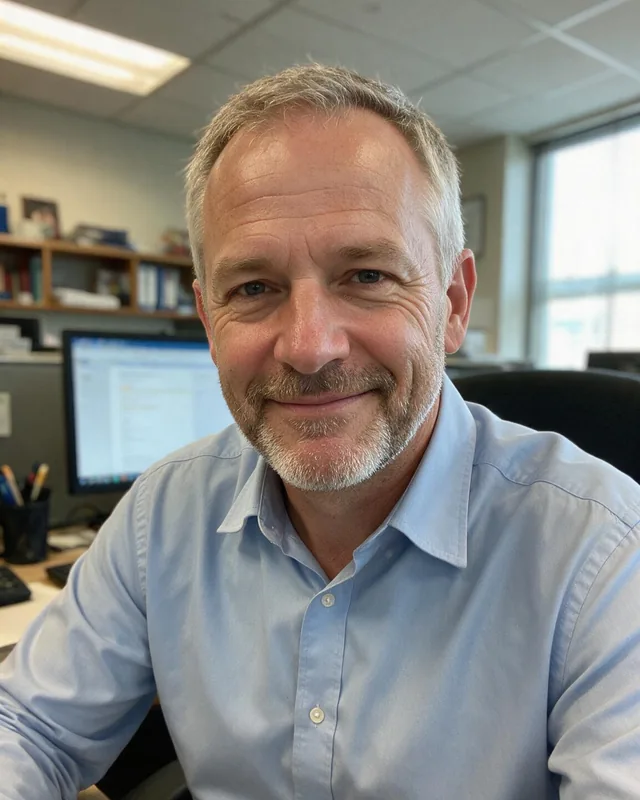
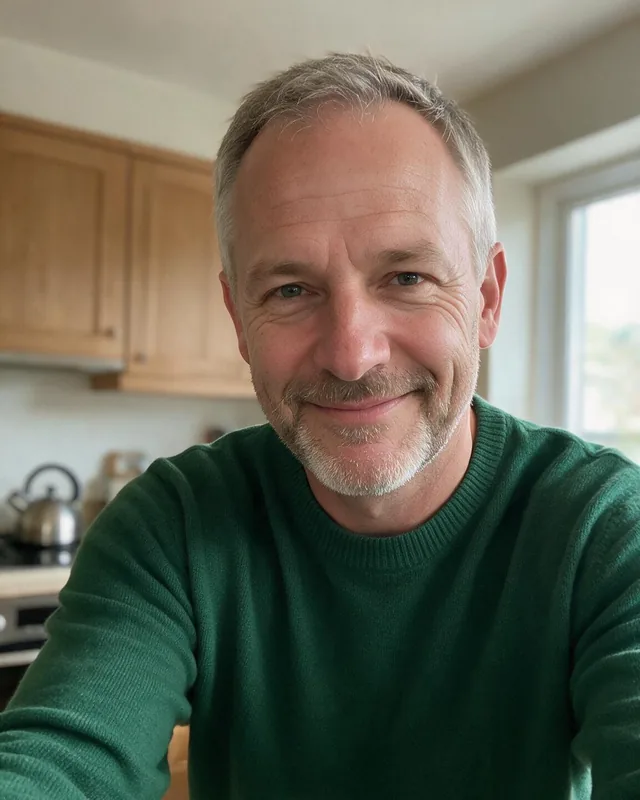
LinkedIn headshots without booking a photographer: upload a few selfies, choose your attire and background, and get a profile picture that looks like you now.
Create my LinkedIn headshotsYour photos stay private
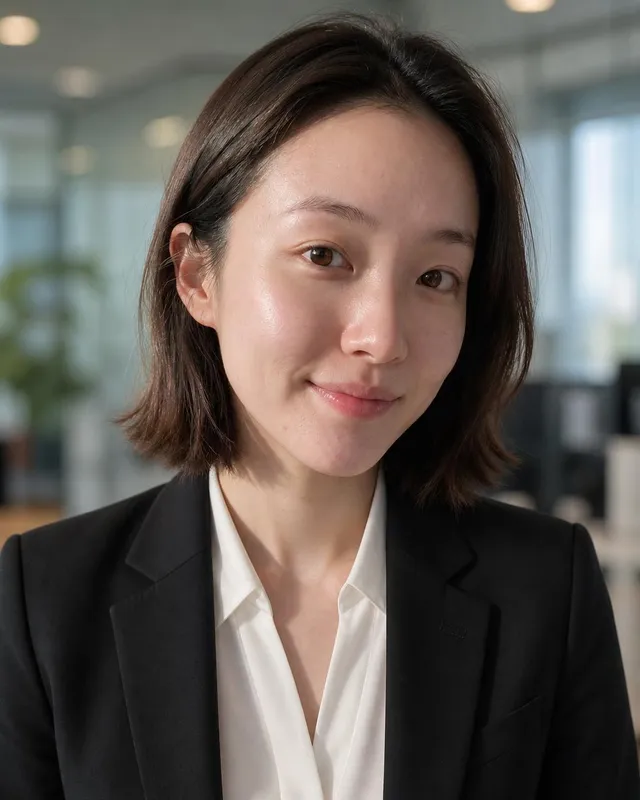
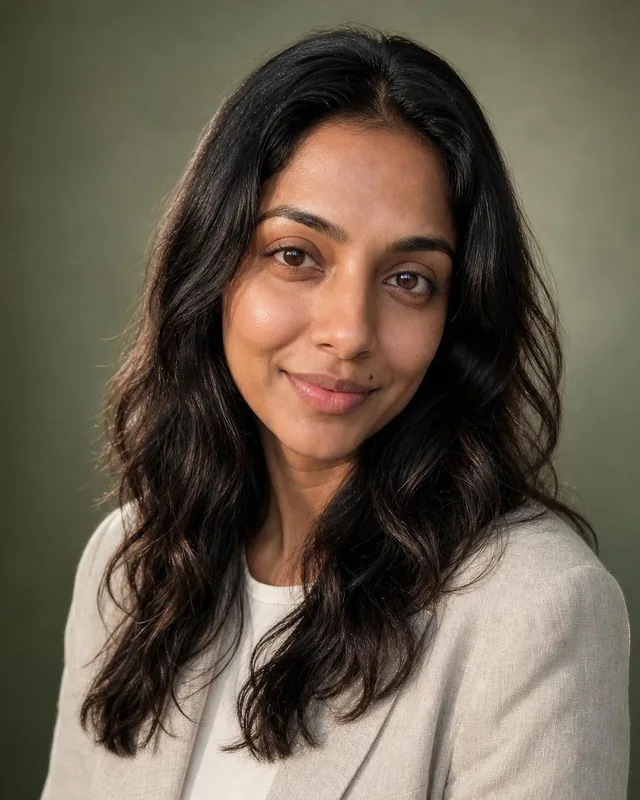
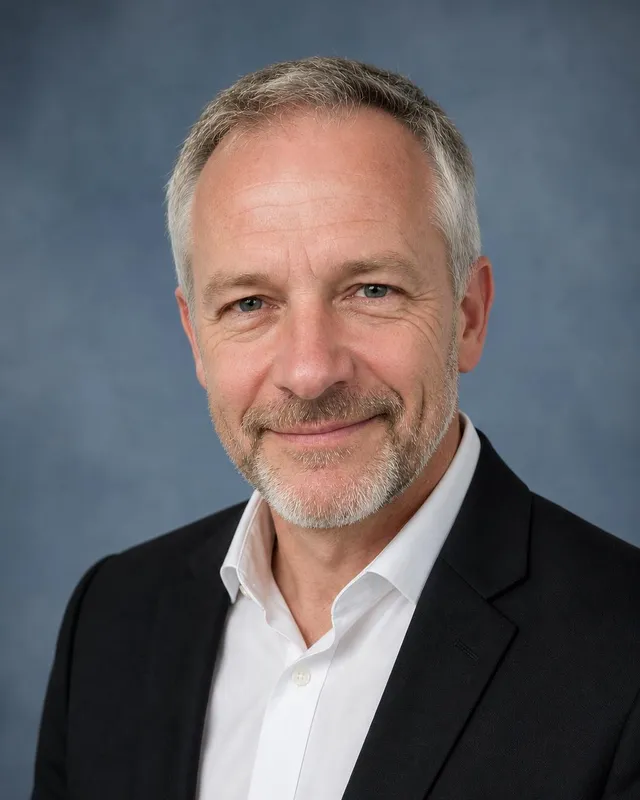
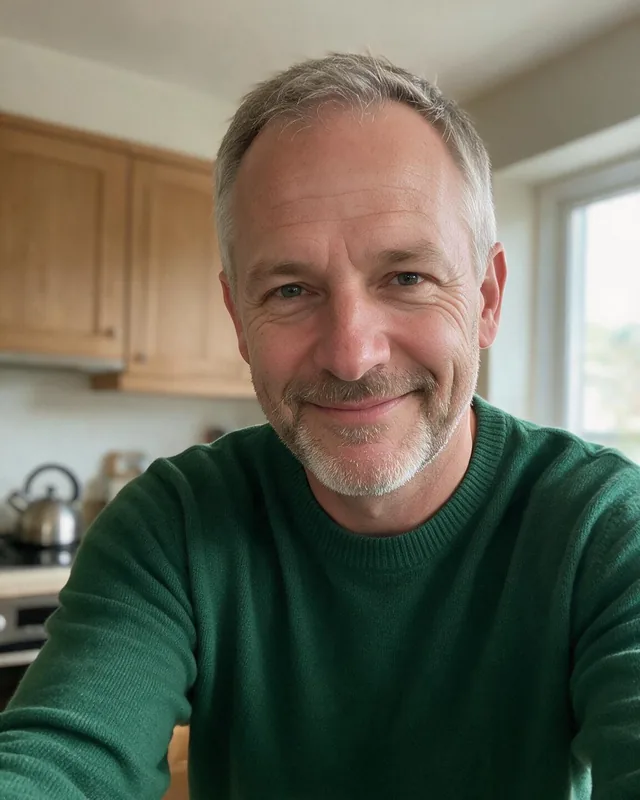
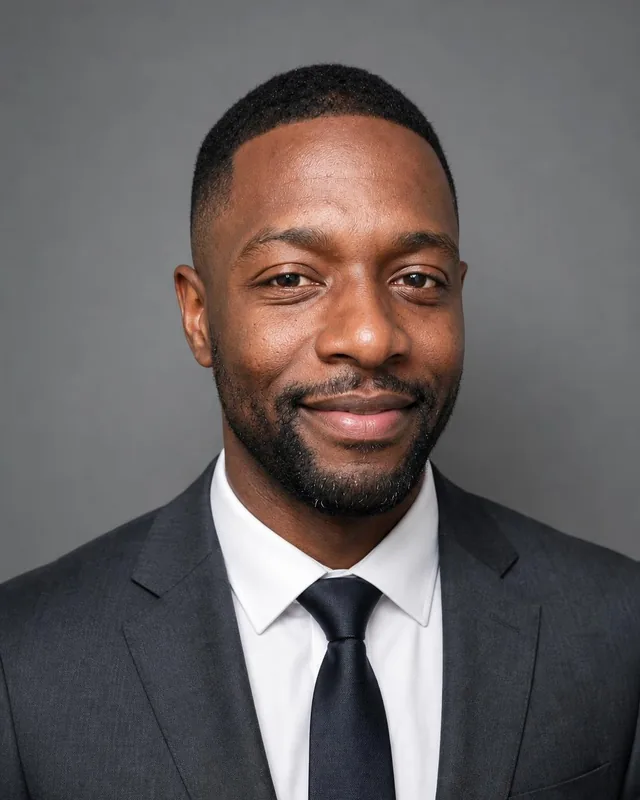
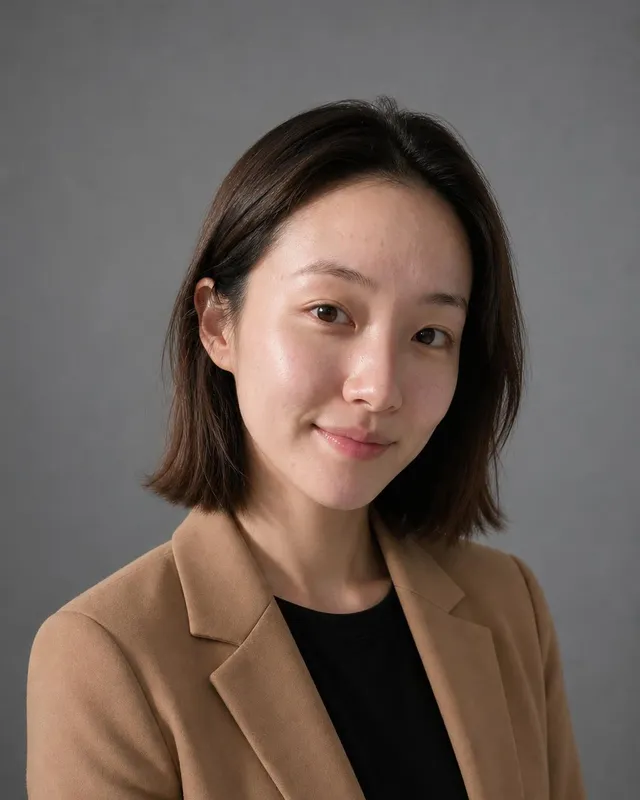
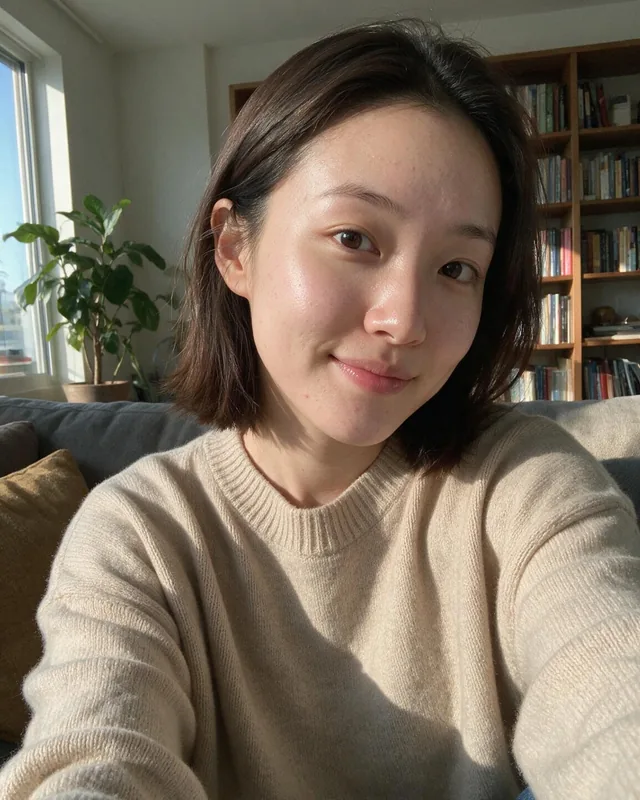
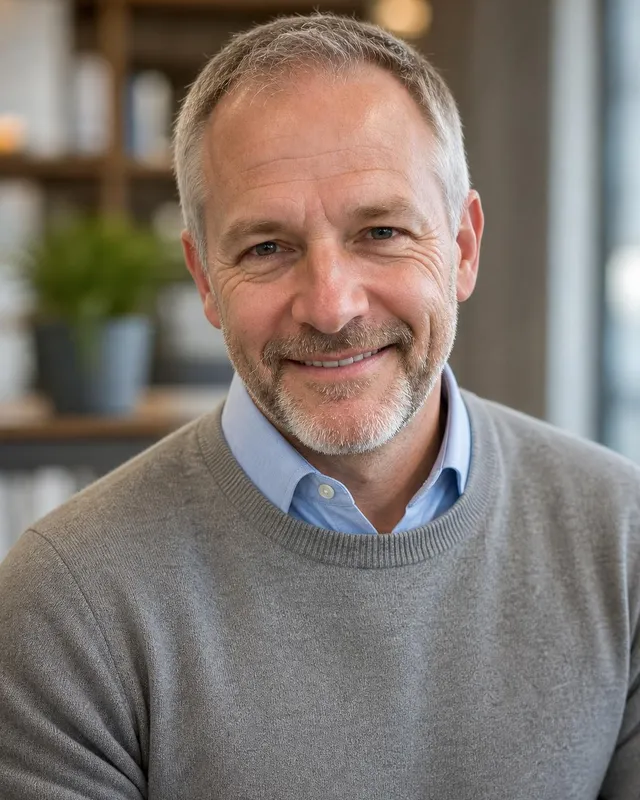
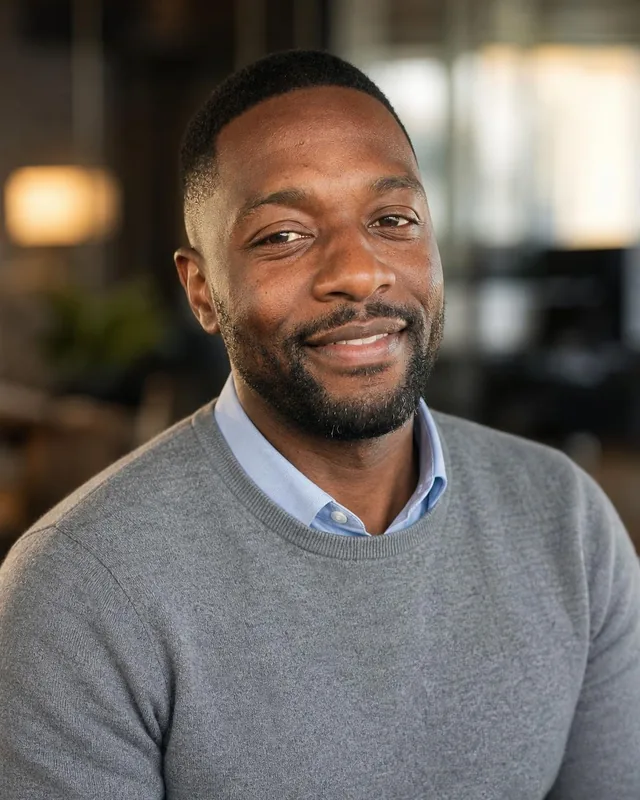
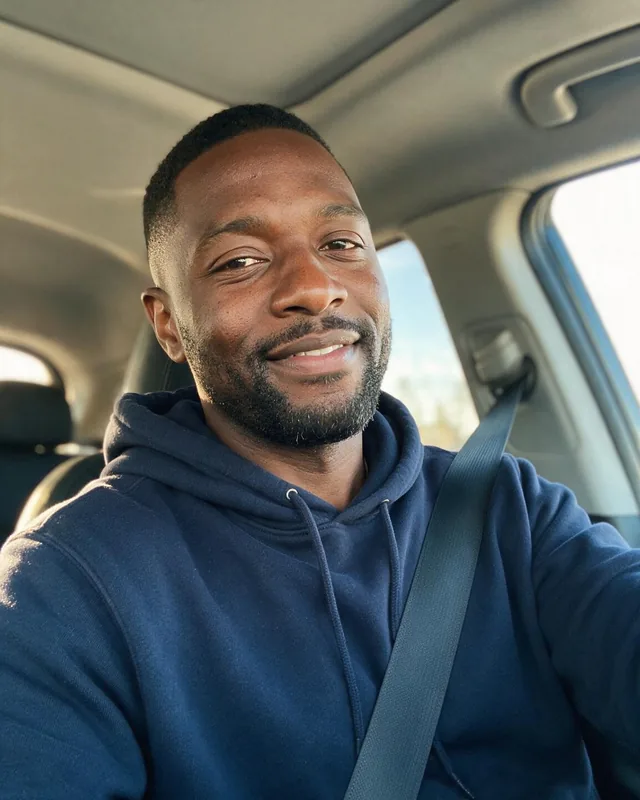
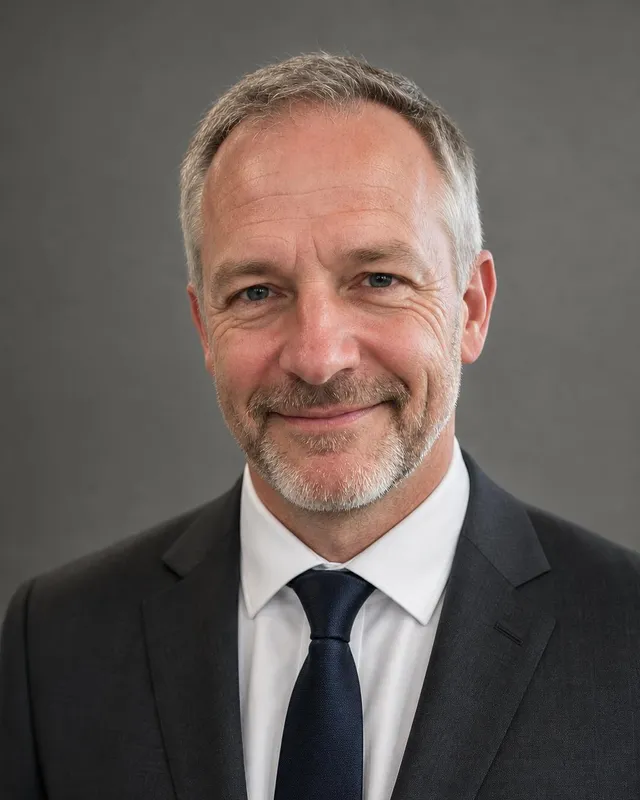
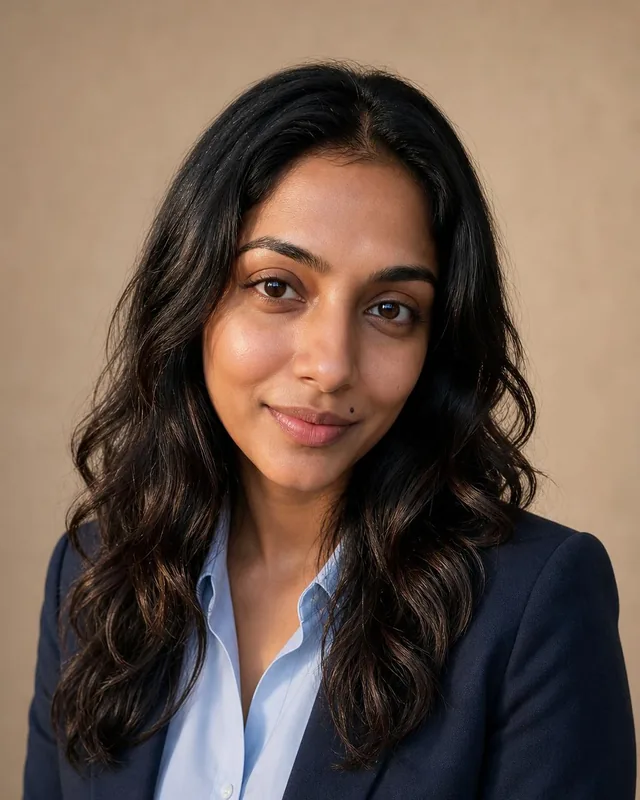
Trusted by over 2,787,000 professionals and teams. 47,090,000+ photos generated to date.
Basic has 40 and Executive has 100 at twice the resolution.
LinkedIn asks for 400 × 400 or more, so every photo crops cleanly.
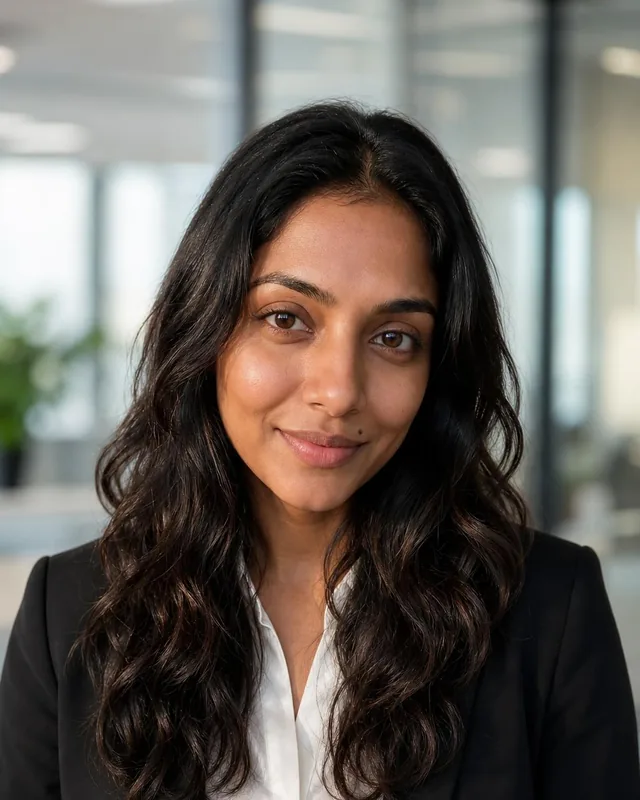
Studio gray, a soft color backdrop, or a blurred modern office.
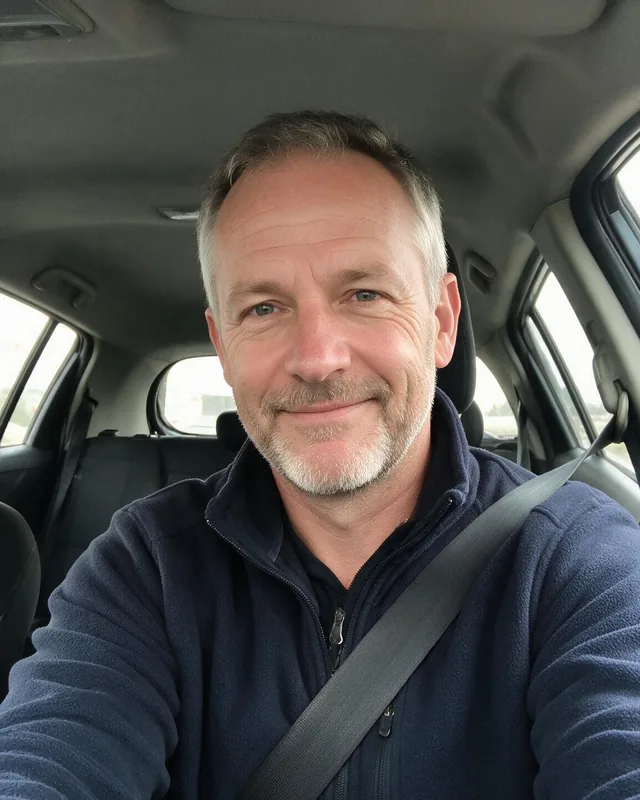
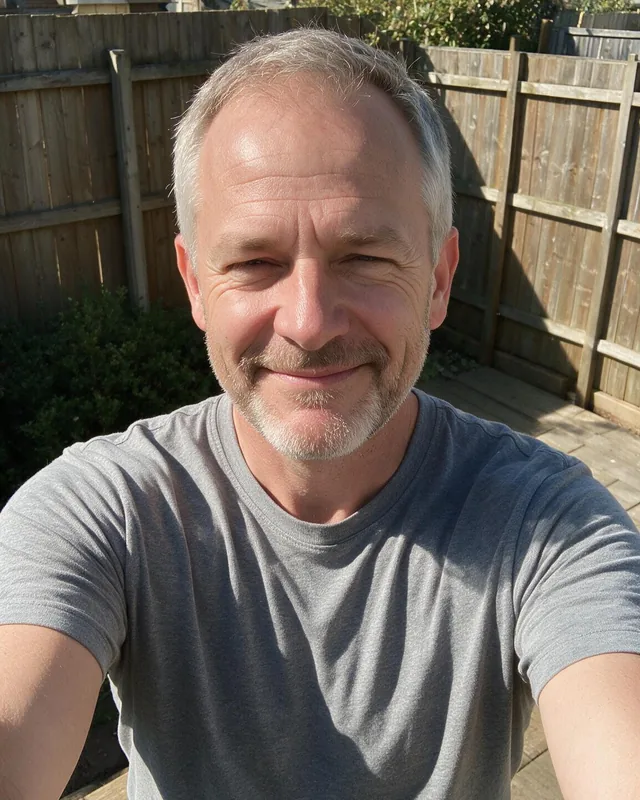
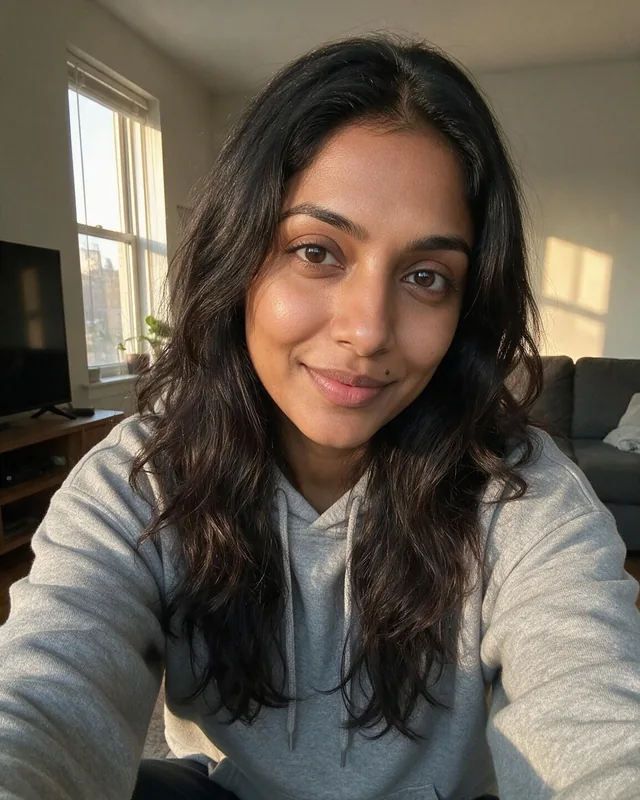
Made with Belagon from everyday phone selfies.
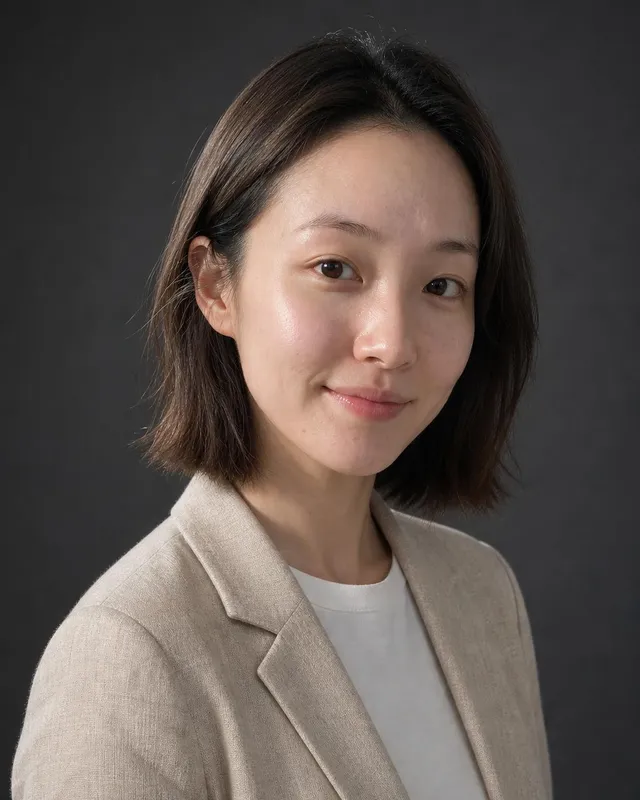
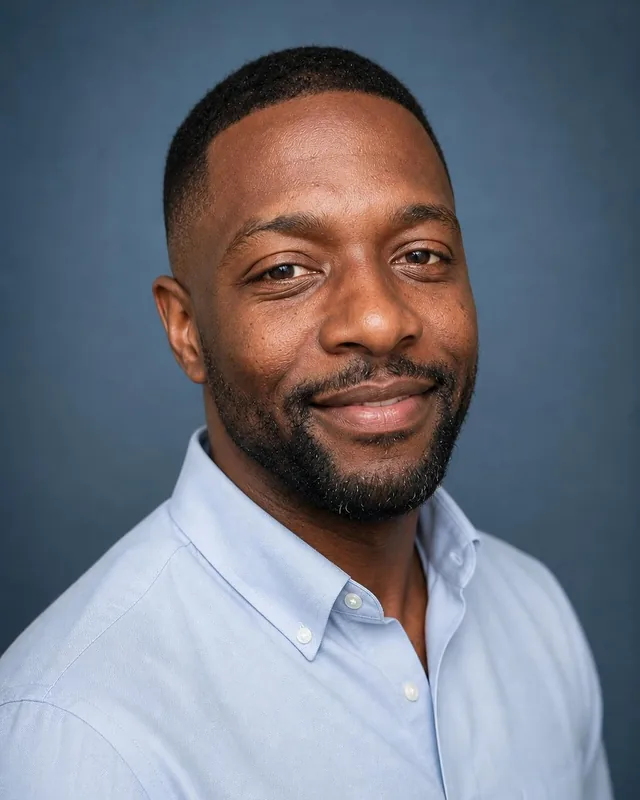
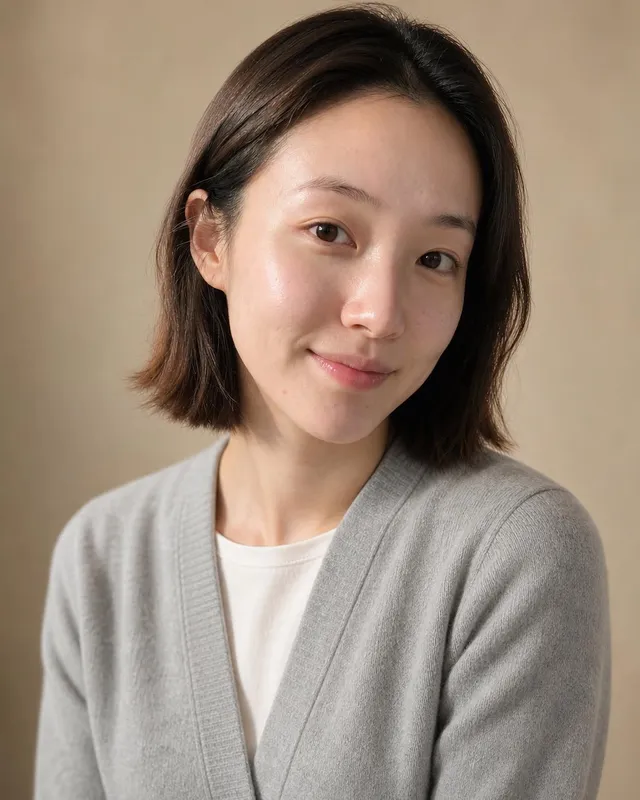
Plain enough that your face stands out in a small circle. You get an even mix of your picks.
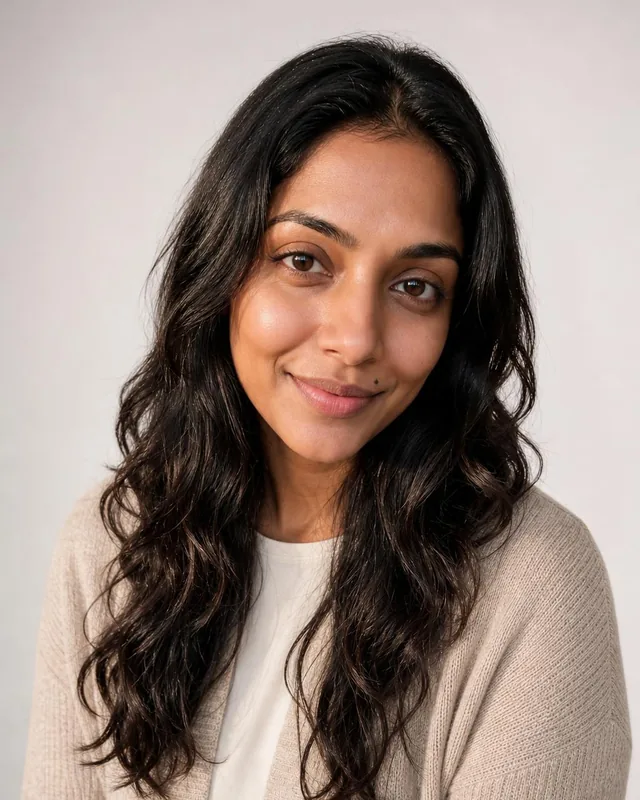
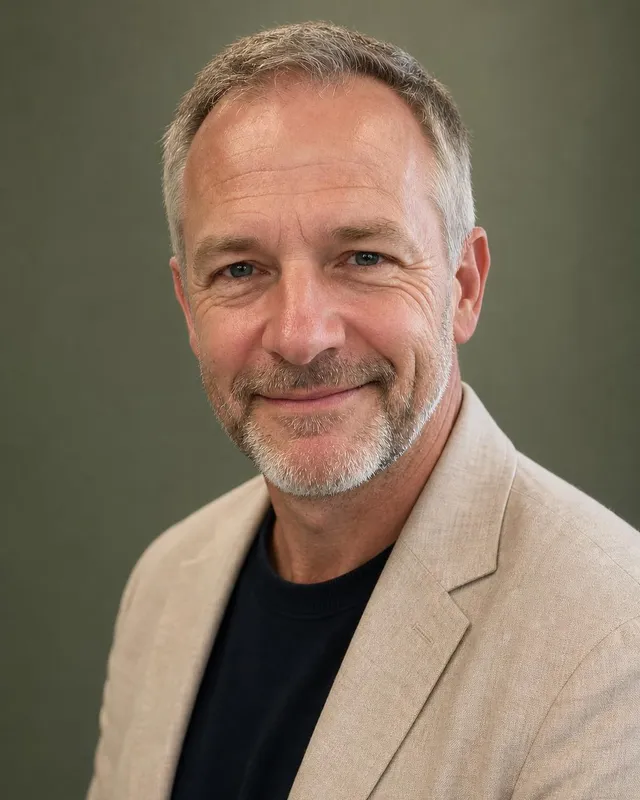
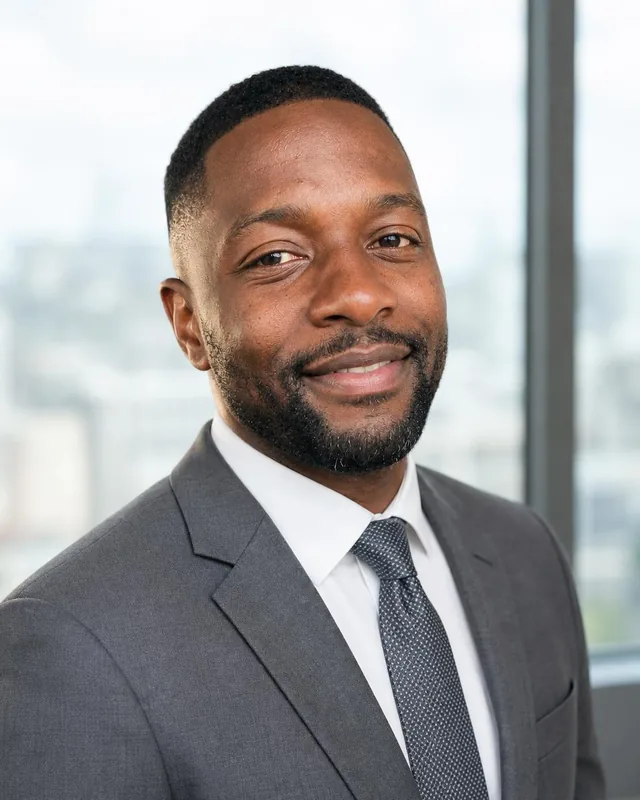
Open every headshot large before you choose. Look for direct eye contact, a relaxed mouth and your current hair and glasses. Then shrink your favorites to thumbnail size on your phone: LinkedIn shows the photo tiny next to comments and messages, and the one that still reads clearly at that size is usually the right profile picture. Keep a second choice for your company page.
LinkedIn takes JPG or PNG files up to 8 MB, from 400 × 400 pixels upward, and shows them in a circle. Our headshots are 1024 × 1536 pixels in portrait, so crop a square around your face and shoulders with a little space above your head. Our LinkedIn profile picture guide covers the limits, framing and banner sizes in more detail.
Wear what you would wear to meet a client in your field. Finance and consulting usually mean a suit, and so does law, where lawyer headshots add law library and courthouse backgrounds. Business casual fits most tech, marketing and startup roles. Smart casual suits creative and design work. Solid colors read better than patterns at small sizes, so skip busy prints.
Studio gray is the safest choice and works in every industry. A soft blue, beige or sage backdrop adds a little warmth and helps the photo stand apart from a gray LinkedIn feed. A blurred office says you work in one, which suits client-facing roles. Pick one background for LinkedIn and keep the others for slides, bios and your email signature.
For a company page or a sales team, each person orders their own set from their own selfies with the same attire and background. Agree on both before anyone orders, for example business professional on studio gray. The headshots then line up on the team page and in a slide deck, and new hires can match the look later from their own selfies.
Once you have the LinkedIn photo, put the same one on your Slack or Teams profile, your email signature, conference speaker pages and the about page of your company site. People who met you in one place recognize you in the next. Update all of them at once when you change the photo, so an old picture doesn't linger anywhere.
Up to 43% off every pack
3 packs, from $35. No subscription.
$35$59
$45$79
$75$129
Money-back guarantee. How it works
Not happy with your photos? Tell us within 14 days, before you download, and we’ll redo them or refund you in full. How the guarantee works
Anything else? Email support@belagon.com.
LinkedIn takes JPG or PNG files between 400 × 400 and 7680 × 4320 pixels, up to 8 MB. Our headshots are 1024 × 1536 pixels, or 2048 × 3072 with the Executive pack, so a sharp square crop fits easily.
No. You choose the attire before you upload, and the headshots show that outfit. Wear whatever you like in the selfies, as long as your face is clear.
Each headshot is compared with your selfies, and the ones that don't match are screened out. Go through the full gallery and keep the ones you would be happy to be recognized by in a meeting.
40 headshots cost $35 with Basic, 60 cost $45 with Standard, and 100 at 2048 × 3072 pixels cost $75 with Executive. It is one payment, with no subscription.
LinkedIn expects your profile photo to be a likeness of you. Pick one that looks like you today. Every file also carries Content Credentials stating that AI generated it.
Each person orders their own set from their own selfies. Choose the same attire and background for everyone and the photos will match on your company page.
If none of them work for your profile, write to us within 14 days of delivery and before downloading any headshot. You choose a free redo or a full refund. The refund policy has the details.
Your selfies are deleted 7 days after delivery, and the LinkedIn headshots 30 days after delivery. You can remove everything earlier from your account. The privacy policy lists every retention date.