10 outfits
$12
- 10 outfits
- 10 mins delivery
- Made from 1–3 selfies
- Standard 1024 × 1536 px
Virtual try-on from one photo
Our AI clothes changer is a virtual try on for your own photo: pick from 16 outfits or add a shop photo of an item, and see it on you.
Try outfits on meYour photos stay private




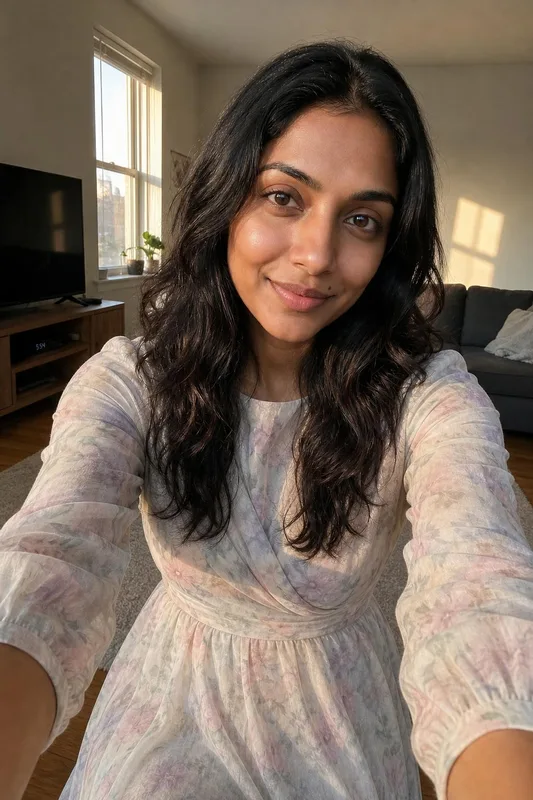
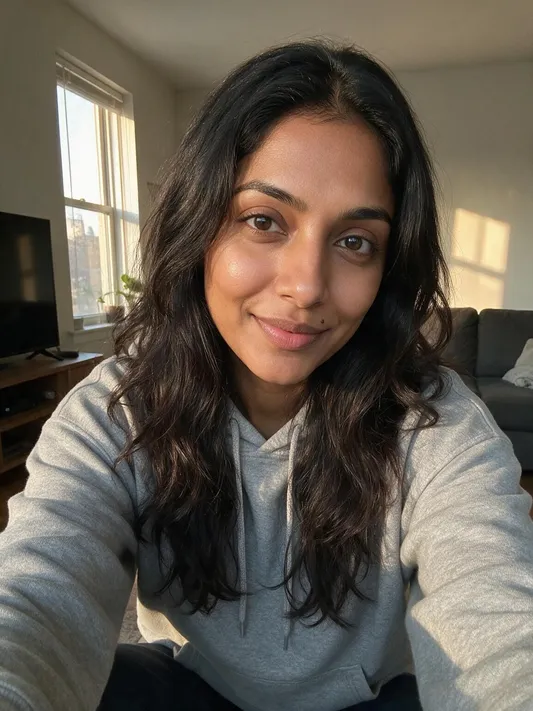

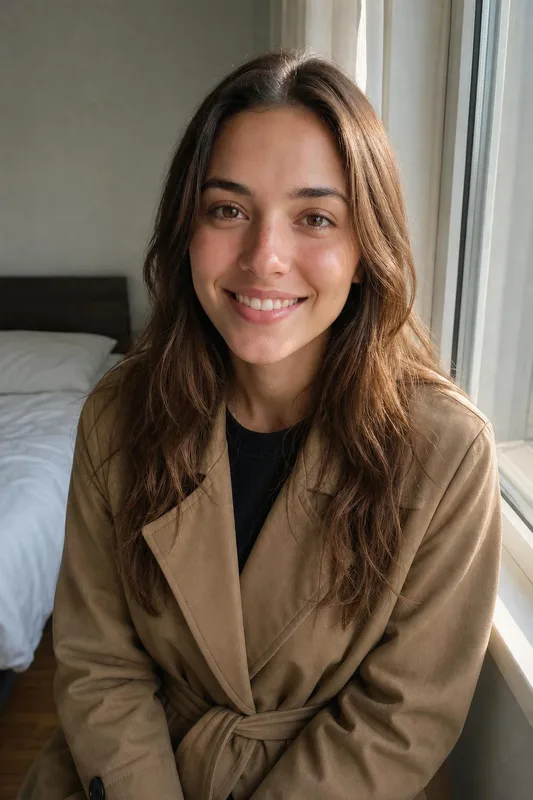
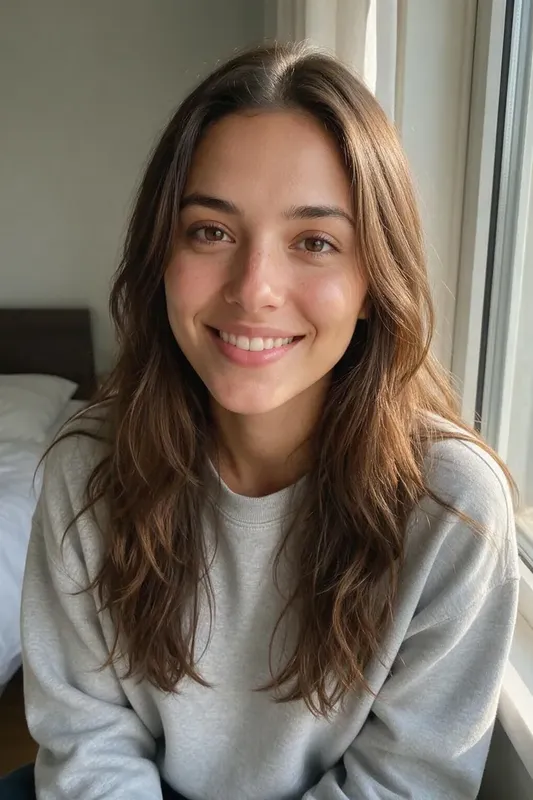
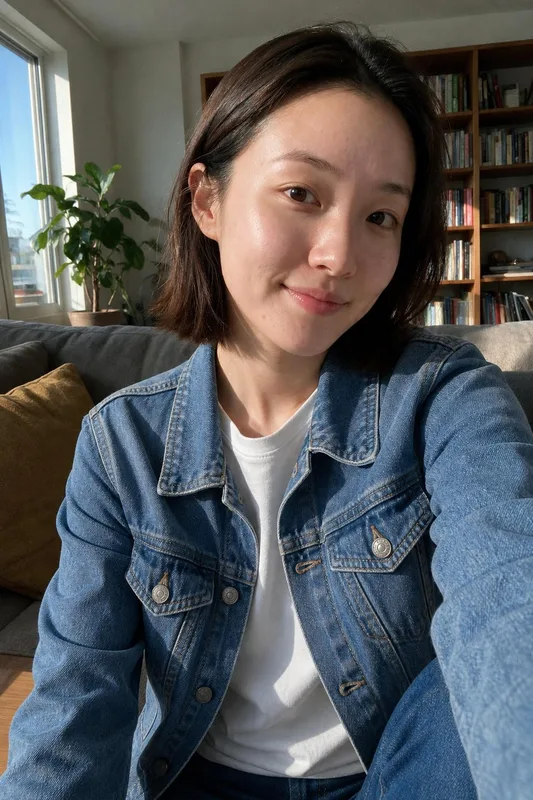


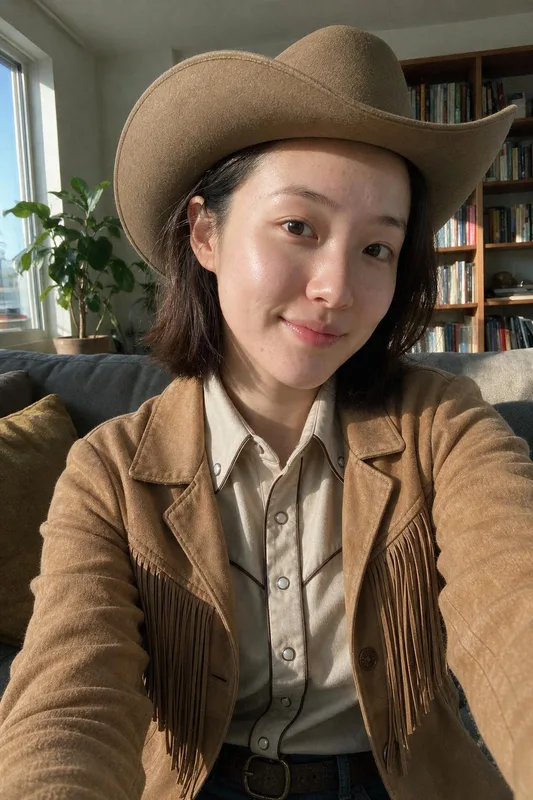
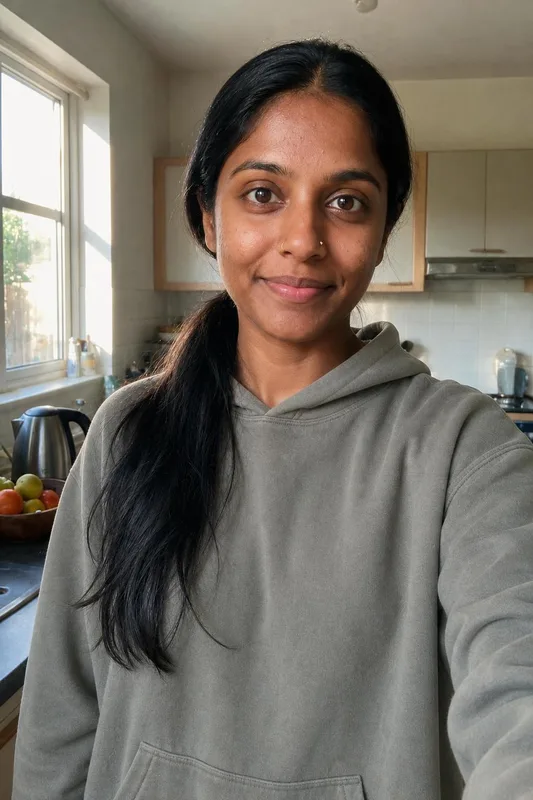
Trusted by over 2,787,000 professionals and teams. 47,090,000+ photos generated to date.
Suits, dresses, jackets, streetwear and athletic wear.
Add a photo of a garment from a store and see it on you.
Ready in about 10 minutes. 25 cost $19, 50 cost $29.
Made with Belagon from everyday phone selfies.

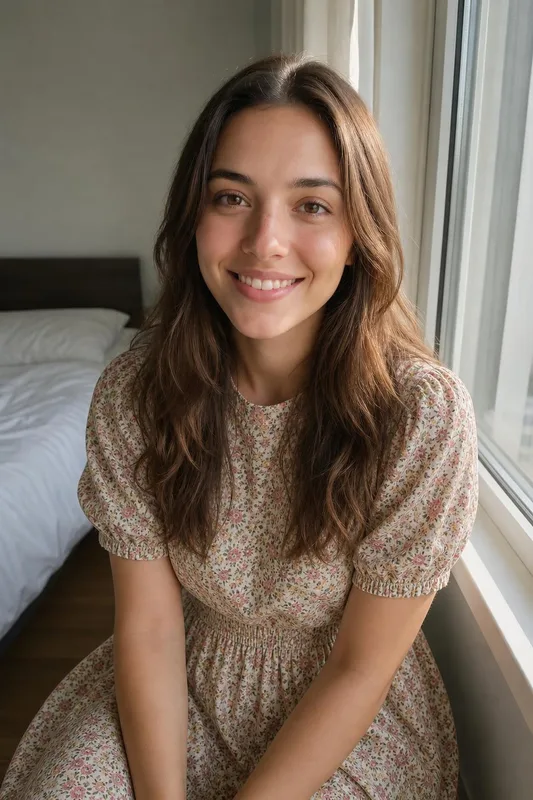


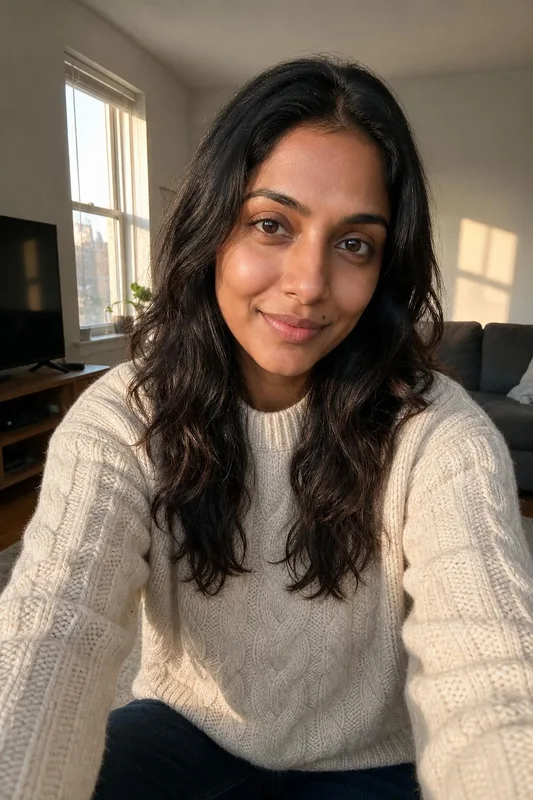
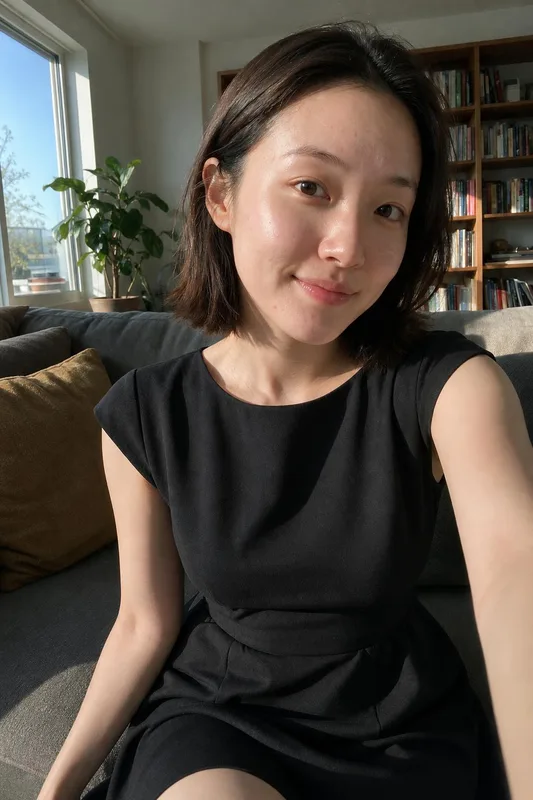

A few of the 16. Choose up to 8 per order, plus one item of your own.


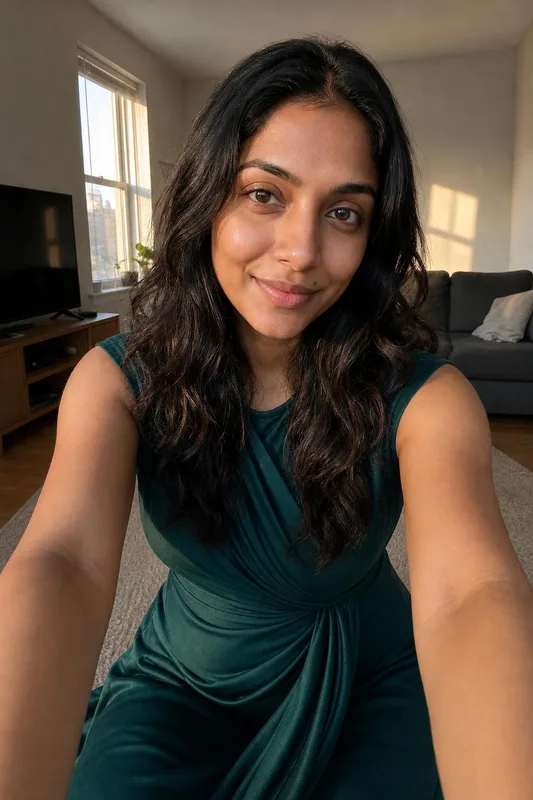
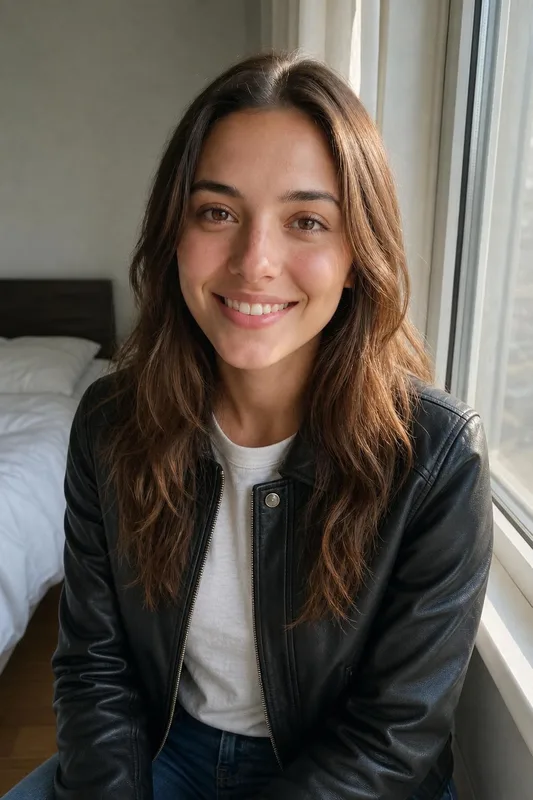

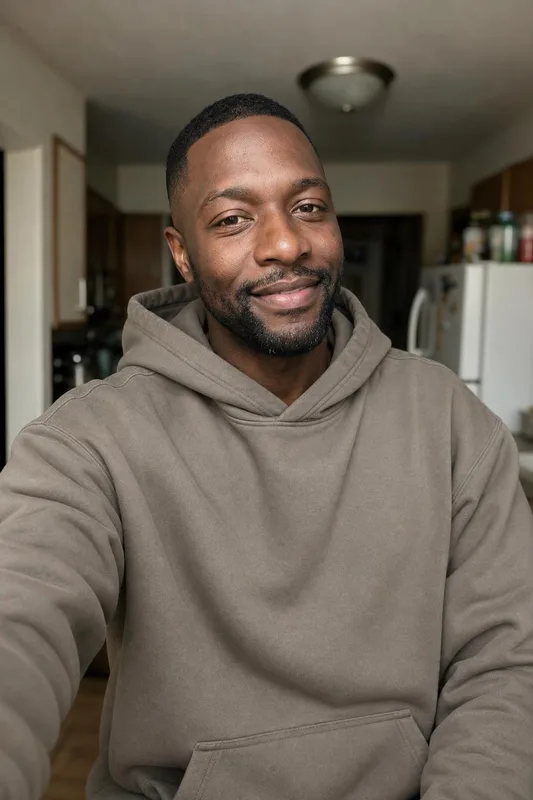

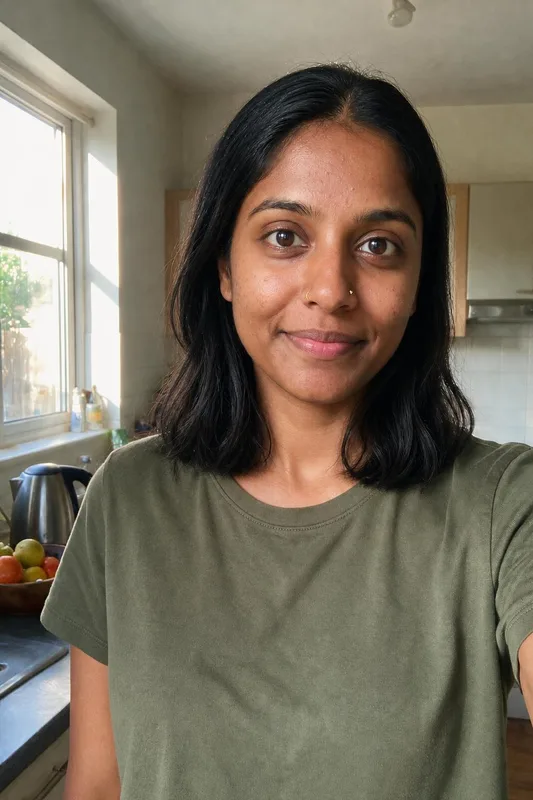
Use a photo from the waist up or full length, standing straight with your arms relaxed by your sides. A tight face selfie leaves the AI guessing at your shoulders and build, and the new clothes fit worse as a result. If you have them, upload two or three photos from different days so the AI sees your shape from more than one angle.
A fitted T-shirt in front of a simple wall gives the cleanest result. Bulky winter coats, bags over the shoulder, crossed arms and busy patterns all make it harder to place the new outfit, because the AI has to guess what is underneath. Good daylight from a window helps the fabric of the new outfit look natural in the photo too.
For your own item, use the shop's product photo: the whole garment, seen from the front, on a plain background or a model. Avoid photos where the item is folded, cropped or half hidden. Your item fills part of the order next to any catalog outfits you pick, or the whole order if you choose no catalog outfits. A screenshot from the shop's app works too.
The photo shows how a cut, a color and a silhouette look on you, which is most of what people want to know before they buy. It can't tell you about sizing, fabric weight or how a waistband sits when you sit down. Use it to narrow the choice, then try the final one on in a real fitting room or order two sizes.
Weddings, galas and black-tie invitations are where a virtual fitting room earns its keep. Try the evening gown, the tuxedo and the wedding guest look on the same photo, send the set to a friend or your partner, and decide before you rent or shop. It also helps when matching colors with someone else attending with you. Keep the favorite on your phone for the shop.
The results are mainly for deciding what to buy or rent. They also work as a quick profile refresh: a smart outfit on a photo you already like, for a messaging app or a social post. The photos are AI-generated, so don't use them as proof of what you wore, and don't pass them off as real photos where that would mislead.
3 packs, from $12. No subscription.
$12
$19
$29
Money-back guarantee. How it works
Not happy with your photos? Tell us within 14 days, before you download, and we’ll redo them or refund you in full. How the guarantee works
Anything else? Email support@belagon.com.
Yes, one item per order. Add a shop photo of the garment next to the catalog outfits, or on its own. Clear, front-on product photos on a plain background give the best results.
10 outfit photos cost $12, 25 cost $19 and 50 cost $29. It's a single payment with no subscription.
No. Every outfit is fully clothed, and our filter blocks nudity and sexual content in uploads and results. Requests like that are refused.
A recent photo of just you from the waist up or full length, standing, in good light, wearing fitted clothes. Up to three photos help the AI get your build right.
Each result is checked against your photos, and we drop the ones where your face changed. Only the clothes should be different.
No. Upload only photos of yourself, and you must be 18 or older. Photos of another person or of a minor are refused.
Your uploads, including any shop photo, go 7 days after delivery, and the outfit photos 30 days after delivery. Delete them sooner from your account. See our privacy policy.