Size, framing and examples
LinkedIn Profile Picture Guide: Size, Framing, What to Wear
What a LinkedIn profile picture needs: the size and file limits, how much of you to show in the circle, what to wear for your field and which banner fits.
Make my LinkedIn photo See LinkedIn Headshots examples and pricesYour photos stay private













Trusted by over 2,787,000 professionals and teams. 47,090,000+ photos generated to date.
LinkedIn accepts up to 7680 × 4320 pixels. Square crops work best.
Upload a JPG or PNG. Larger files are refused.
A 4:1 strip behind your photo. Keep it calm.
How to get your LinkedIn profile picture right
Size and format
LinkedIn takes JPG or PNG files up to 8 MB, between 400 × 400 and 7680 × 4320 pixels. Upload a square image well above the minimum, around 800 × 800 or more, so it stays sharp on large screens. LinkedIn shows the photo as a circle, so anything near the corners of your square gets cut off. Keep your face in the middle third.
Framing
Your head and the top of your shoulders should fill about 60 percent of the frame. Leave a little space above your hair so the circle doesn't clip it, and look straight into the camera or just off it. Shot from slightly above eye level reads natural; from below, it looks like a video call. Crop out other people, arms around you and anything in the background that draws the eye.
Good and bad examples
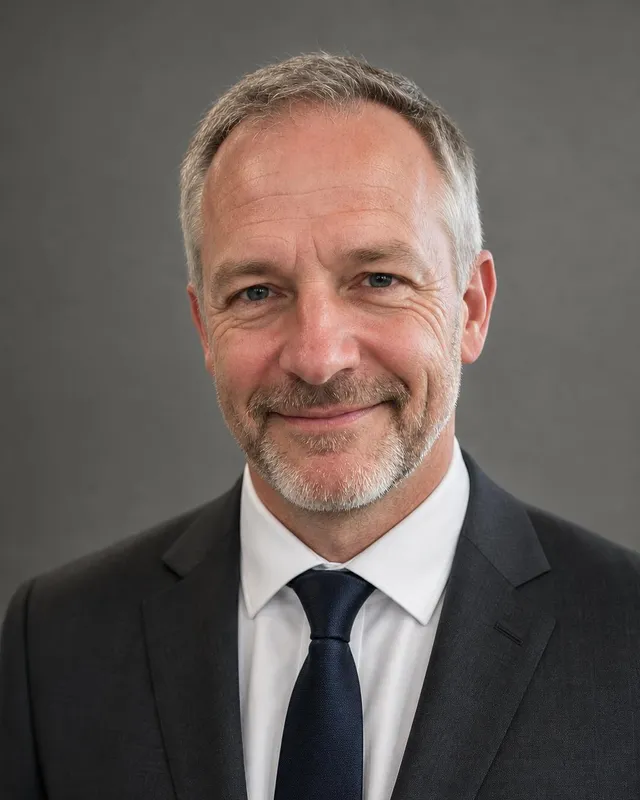
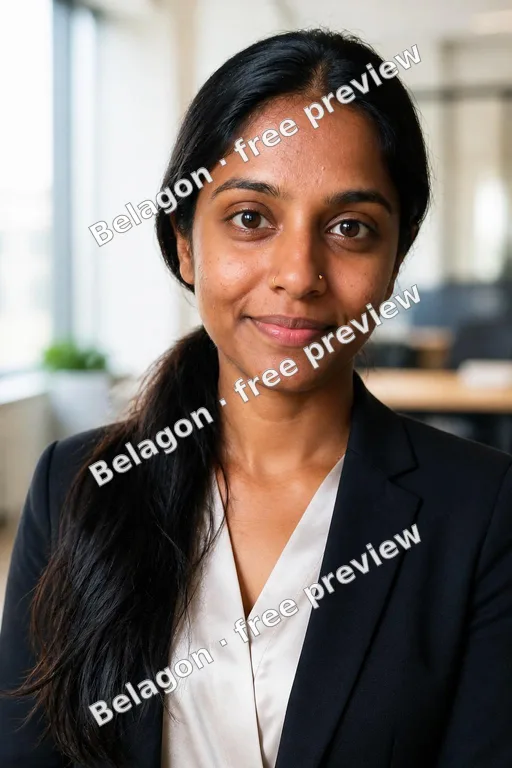
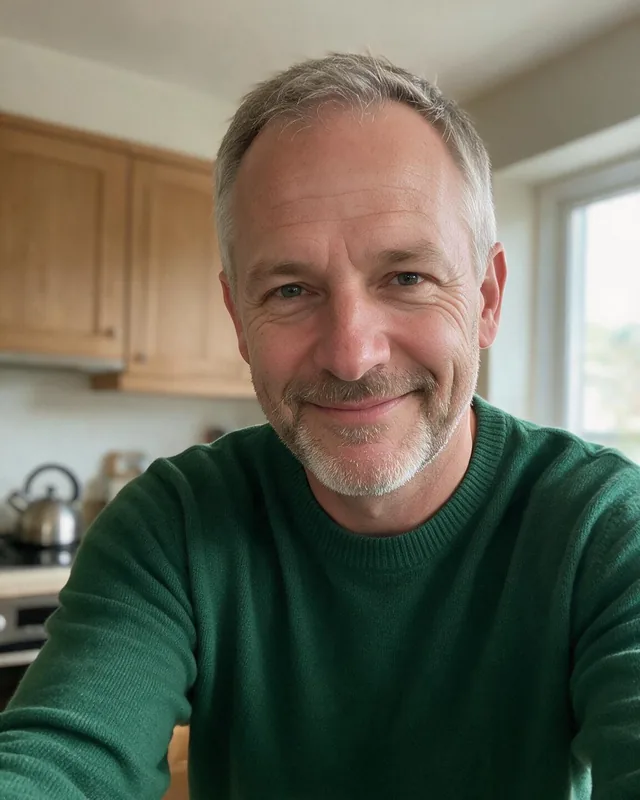
Good: a recent photo, face in sharp focus, even light, plain or softly blurred background, a relaxed smile, the clothes you wear to work. Bad: sunglasses, a group crop with someone's shoulder in it, a photo taken from far away, heavy filters, a logo instead of a face, or a picture so old that colleagues don't recognize you when you meet.
What to wear by industry
Finance, law and consulting usually mean a dark suit or blazer. Tech, marketing and startups lean business casual: an open collar, a knit or a plain blouse. Healthcare, real estate and trades can show the work outfit, like a white coat or a branded polo. Solid colors read better than patterns at thumbnail size, and a color that contrasts with the background helps.
Pair it with your banner
The banner is 1584 × 396 pixels and sits right behind your photo, with the circle covering part of its lower left. Keep anything important out of that corner. A busy banner, like a city skyline or a slide full of text, competes with your face, so choose a plain photo background. If your photo has a color backdrop, a simple dark or neutral banner keeps them apart.
Where to get one
A phone on a shelf, a window and a plain wall can do the job if someone helps with framing. If you would rather start from selfies, our LinkedIn headshots give you 40 to 100 AI-generated options in business attire, from $35. Whichever you use, pick a photo that looks like you today, and use the same one on your company page and email signature.
What works in a LinkedIn profile picture
Works
Face fills the circle Plain background 
Dressed for work 
Soft, even light
Avoid

Too far away 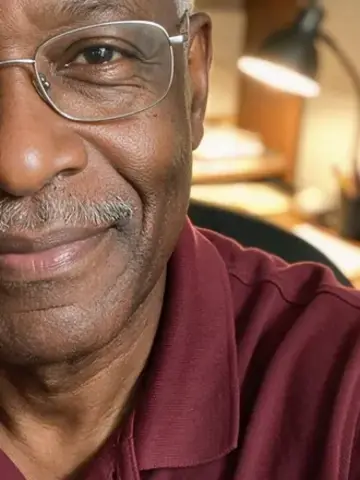
Head cut off 
Other people 
Heavy filter
How to change your LinkedIn Profile Picture
Open your profile
Click or tap the round photo at the top of your own profile page.
Upload and crop
Choose a JPG or PNG under 8 MB, then zoom until your face fills most of the circle.
Pick who can see it
Set the photo's visibility, from your connections only up to public, then save.
Why your LinkedIn photo deserves ten minutes
It travels with every action
Your photo sits next to your name in search results, comments, messages and connection requests.It's shown very small
In comments and lists it shrinks to a thumbnail, so a busy photo turns into a blur.People check it against you
Interviewers and clients see the photo before the video call. It helps when it matches the person who joins.Old photos stand out
A photo from ten years ago, or a crop from a wedding, is easy to spot and quick to replace.
Questions about LinkedIn Profile Picture
Anything else? Email support@belagon.com.
What size should a LinkedIn profile picture be?
At least 400 × 400 pixels and at most 7680 × 4320, as a JPG or PNG under 8 MB. A square of about 800 × 800 pixels or more stays sharp on large screens and crops cleanly into LinkedIn's circle.
Why does my LinkedIn photo look blurry?
Usually the original is too small, or you zoomed in a long way while cropping. Start from a larger file, crop less, and avoid screenshots of photos, which lose detail.
Should I smile in my LinkedIn photo?
A relaxed, natural smile reads as approachable in most fields. A neutral, friendly face also works. What matters more is eye contact and good light.
Can I use an AI-generated photo on LinkedIn?
LinkedIn expects your photo to be a likeness of you. An AI photo made from your own selfies can be, if it looks like you now. Skip any result where your features changed.
How often should I update my LinkedIn photo?
Whenever you would no longer be recognized from it: a new haircut, glasses, a beard, or a few years passing. Changing jobs is a good moment to check.
Who can see my LinkedIn profile picture?
You choose. LinkedIn's photo visibility setting runs from your connections only up to everyone, including people who aren't signed in to LinkedIn.
What background works best?
A plain gray, white or soft color, or a softly blurred office. Busy streets, bright patterns and other people pull attention away from your face at thumbnail size.