10 looks
$9
- 10 looks
- 10 mins delivery
- Made from 1–3 selfies
- Standard 1024 × 1536 px
See the shade before the dye
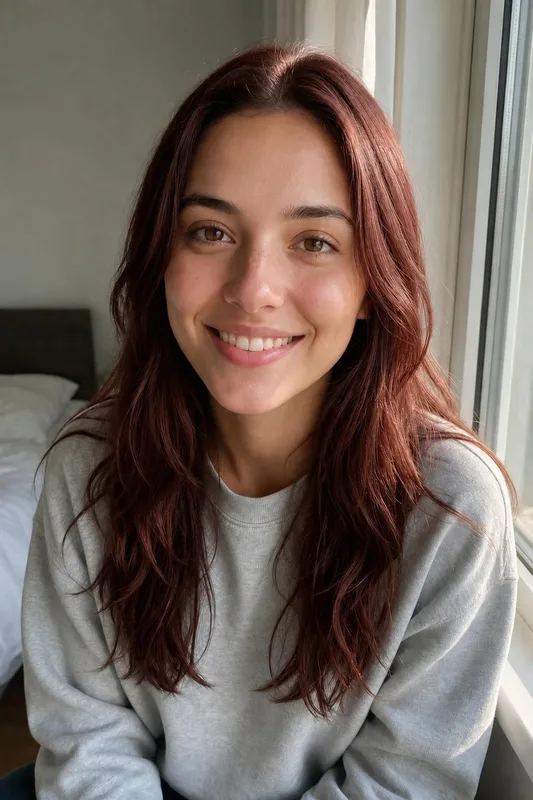
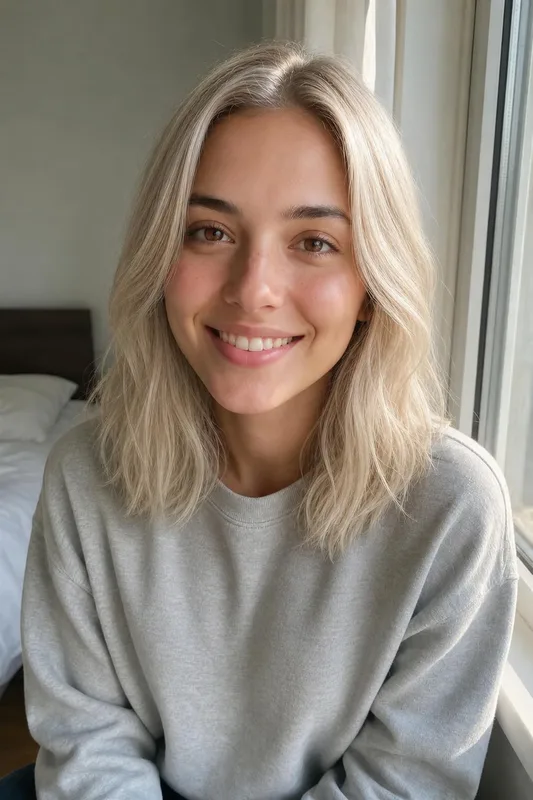
Our AI hair color changer keeps your haircut and changes only the color, so you can try platinum, copper or silver on your own face before you dye.
Try hair colors on meYour photos stay private


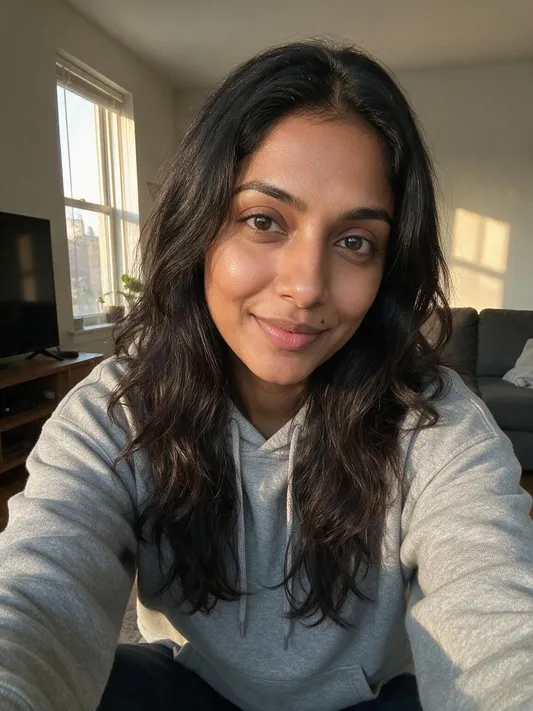
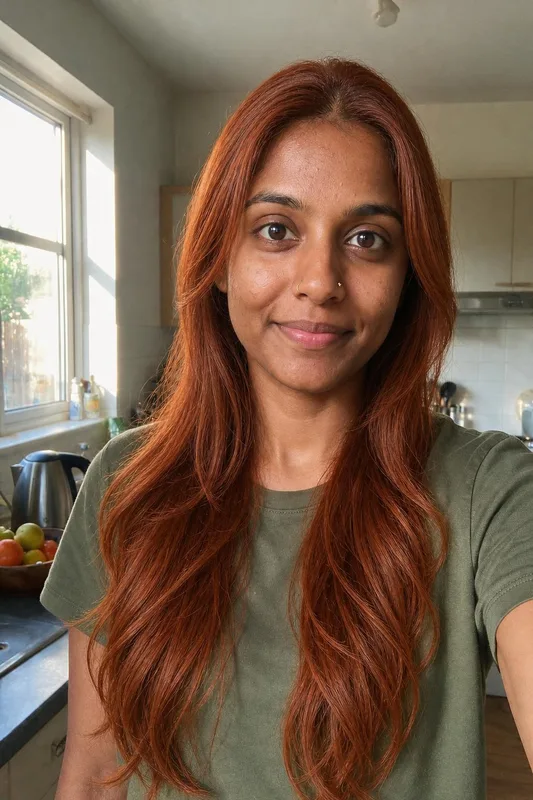
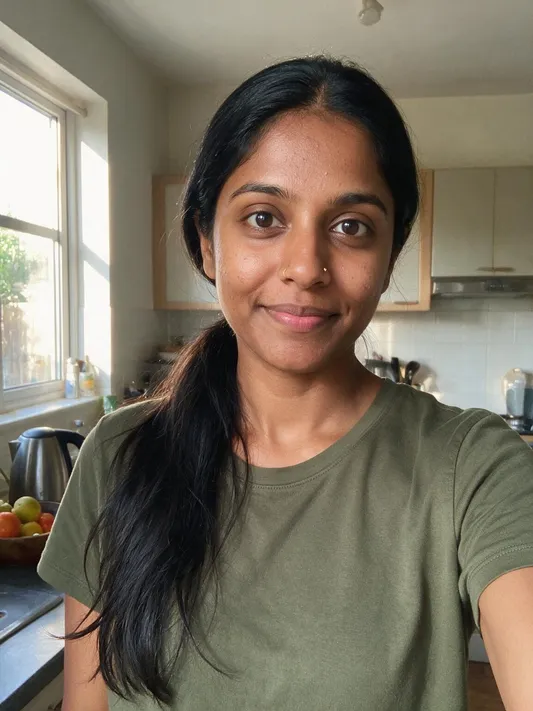
Trusted by over 2,787,000 professionals and teams. 47,090,000+ photos generated to date.
From platinum and honey blonde to auburn, jet black and lilac.
Keep your cut, or pair each color with up to 8 new cuts.
Ready in about 10 minutes. 25 looks cost $15, 50 cost $25.
Made with Belagon from everyday phone selfies.
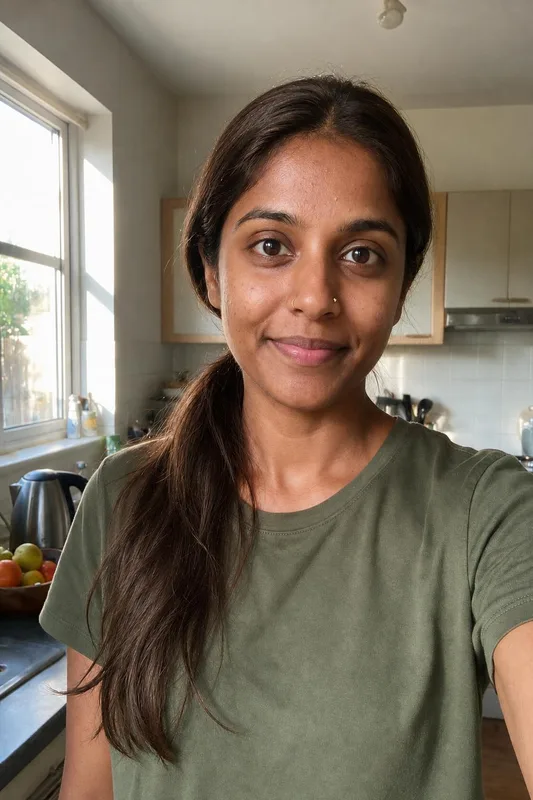
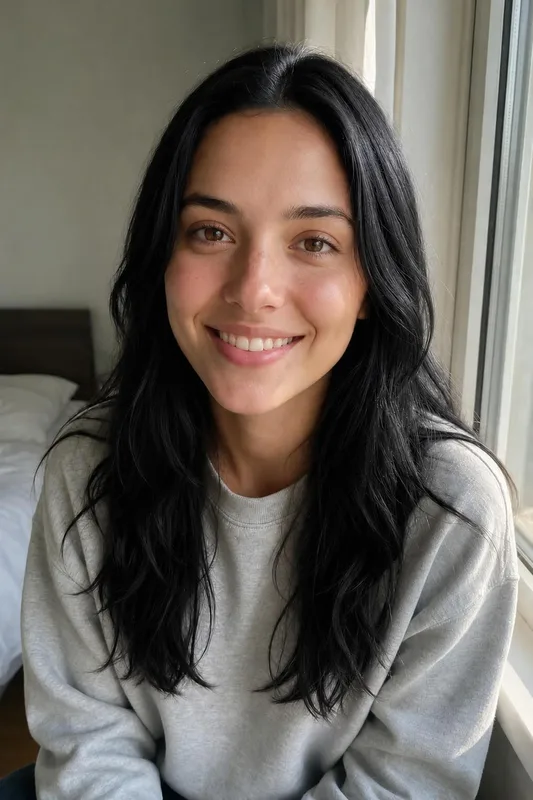

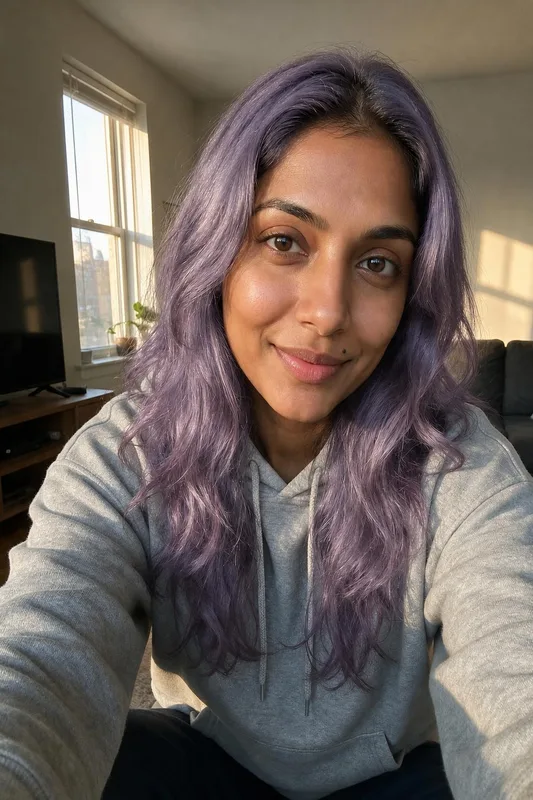
Every color in the catalog. Pick up to four for one order.
Look at the veins on your wrist in daylight. Greenish veins usually mean a warm undertone, which suits honey blonde, copper and auburn. Bluish veins point to a cool undertone, where platinum, jet black and silver tend to look better. If you can't tell, you are probably neutral and can try both. Put one warm and one cool shade in the same order to compare.
Dark brown or black hair has to be lightened before it can turn platinum, rose pink or lilac, and that often takes more than one salon visit. The preview shows the end result, not the steps to get there. Ask your colorist how many sessions it would take from your current color and what it does to the condition of your hair.
Rose pink and lilac are usually semi-permanent and can wash out within a few weeks, so plan for touch-ups or for the faded shade in between. Try the preview with one bold color and one softer one. If you like how you look in both, the fade is less of a worry. If you only like the bold one, budget for upkeep.
Silver gray is one way to stop covering grays. The preview shows how a full silver looks on your face before you commit to growing it out. In real life, a colorist can blend your natural gray with silver toner while it grows. Toner needs refreshing every few weeks to stop silver from turning yellow, so ask about upkeep too.
Take the look you like to your colorist on your phone, since a picture of the shade on your own face says more than a swatch book. Send two or three options to a friend for a second opinion. If you are thinking of a change before a wedding or a job interview, try it here first, weeks ahead, so a real dye job has time to settle.
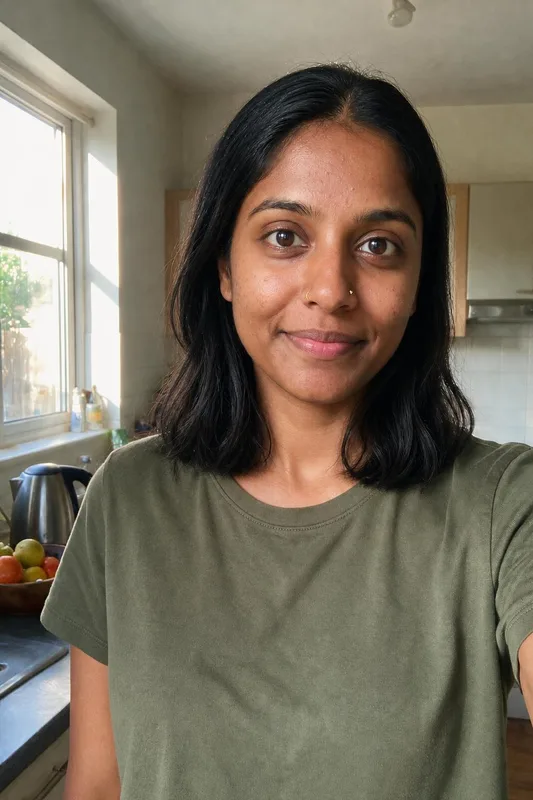
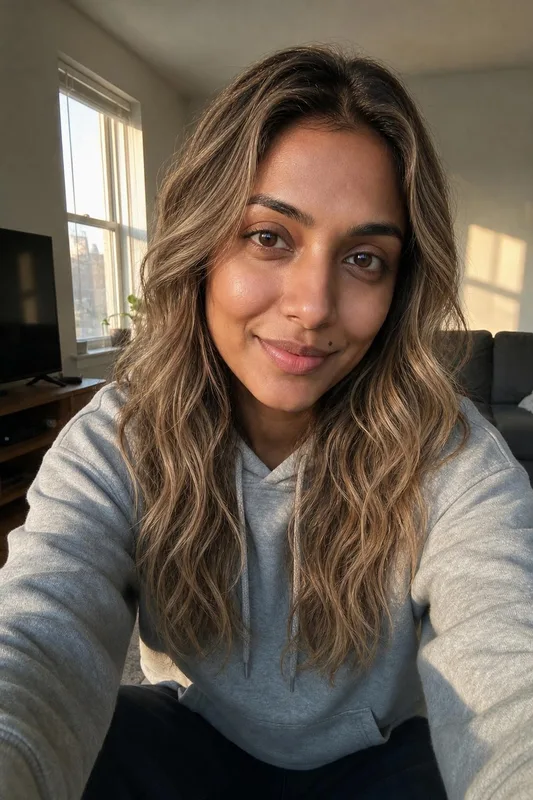
Color looks most accurate from a photo taken in daylight by a window, facing the camera, without a filter or beauty mode. Warm indoor bulbs turn everything orange and make it hard to judge a shade. Pull your hair forward so plenty of it is in frame, and upload up to three photos so the AI sees your hair from more than one angle.
3 packs, from $9. No subscription.
$9
$15
$25
Money-back guarantee. How it works
Not happy with your photos? Tell us within 14 days, before you download, and we’ll redo them or refund you in full. How the guarantee works
Anything else? Email support@belagon.com.
Not unless you ask. Keep my cut is selected by default, so only the color changes. You can also add up to eight new cuts, and each one comes in the colors you picked.
They are AI-generated previews and close to the named shade, but real dye depends on your starting color, hair condition and the products your colorist uses. Use the preview to choose a direction, then agree on the exact shade at the salon.
10 color looks cost $9, 25 cost $15 and 50 cost $25. You pay once for the order, and nothing renews.
Yes. Add new cuts in the same order, or use the AI hairstyle changer, which starts with cuts and treats color as optional.
Yes. The preview shows the target shade whatever your starting color. Getting there in real life may need bleach, especially from dark hair to platinum or pastel colors.
We compare each preview with your photo and screen out any where your face changed. Your skin tone, features and haircut should stay the same.
We keep your uploads for 7 days after delivery and your color previews for 30. You can delete them earlier from your account. Details are in the privacy policy.