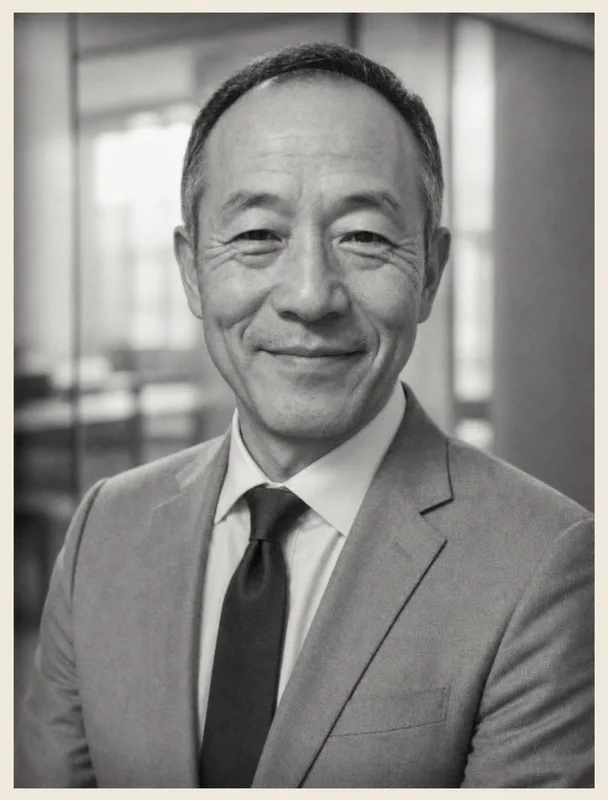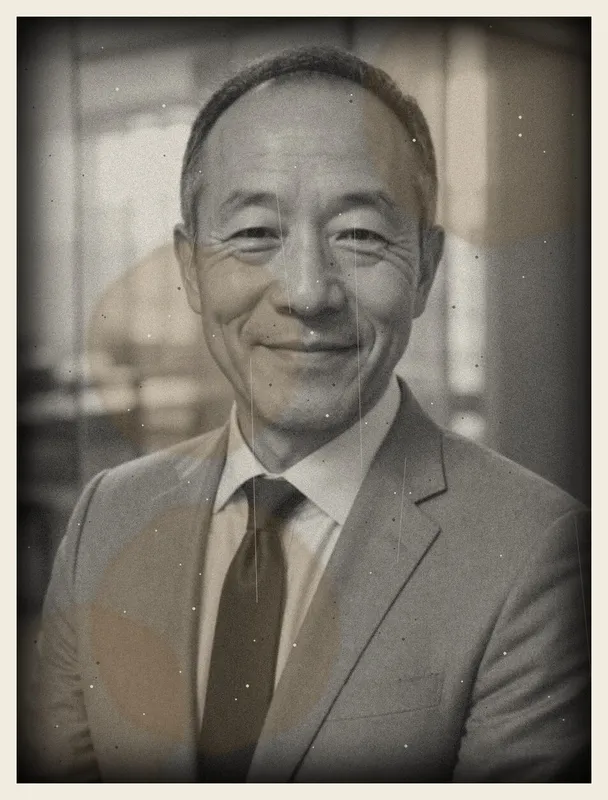
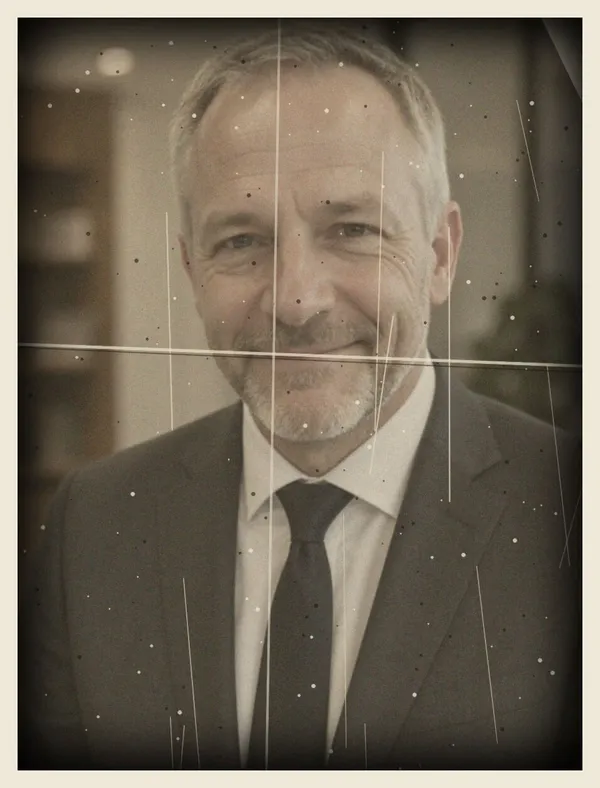
Repair, sharpen and colorize

AI Photo Restoration for the Photos in the Shoebox

AI photo restoration for scanned or phone-photographed prints: we repair scratches and tears, sharpen faces and add natural color to black and white photos.

Restore my photos

Your photos stay private

AI-restored old photo made from the old photoOld photo used as inputAI generated by Belagon
AI-restored old photo: restored: faded 1970s color portrait of a woman, color cast and dust removed
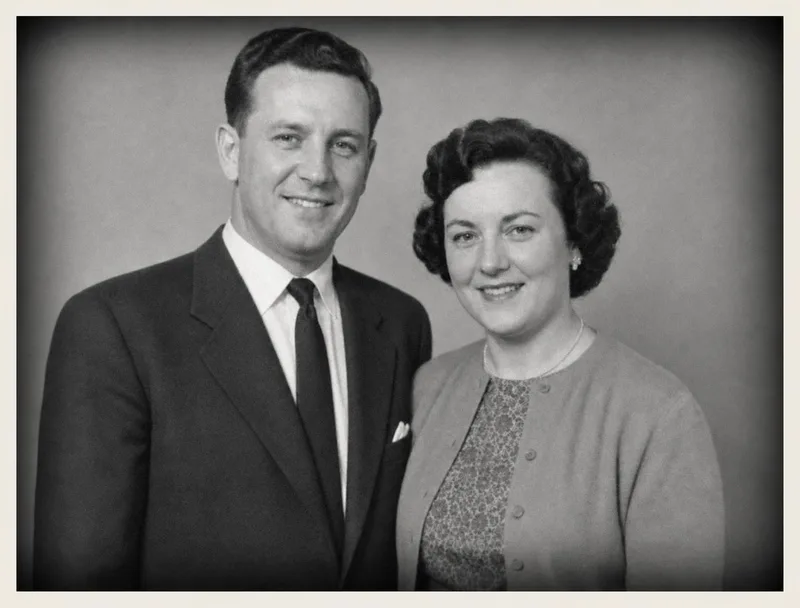
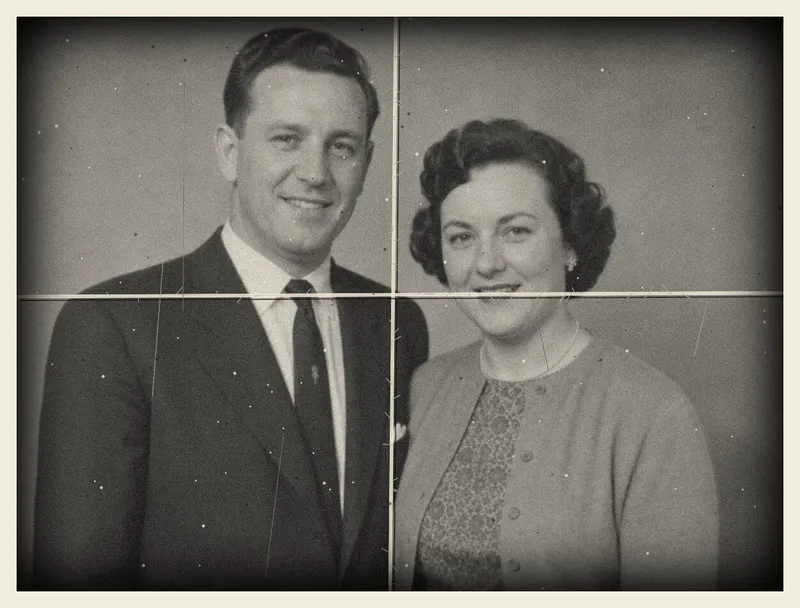
AI-restored old photo: restored: black-and-white portrait of a couple, creases repaired
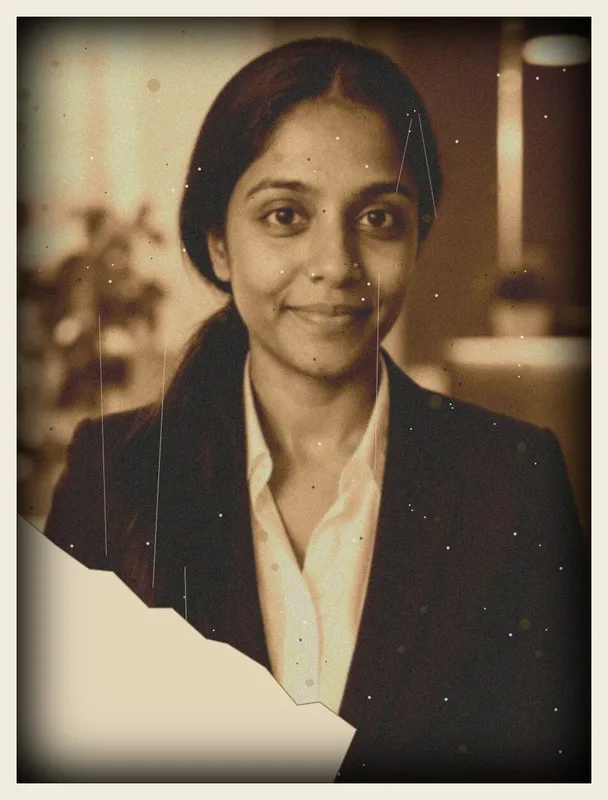
AI-restored old photo: restored: 1940s sepia portrait of a woman, tear and foxing repaired
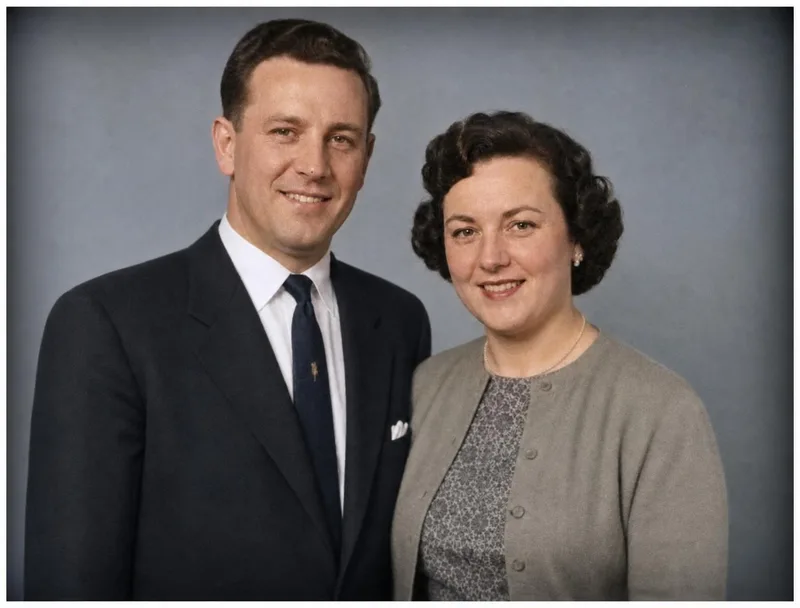
AI-restored old photo: restored and colorized: black-and-white portrait of a couple, creases repaired
AI-restored old photo: restored and colorized: 1940s sepia portrait of a woman, tear and foxing repaired
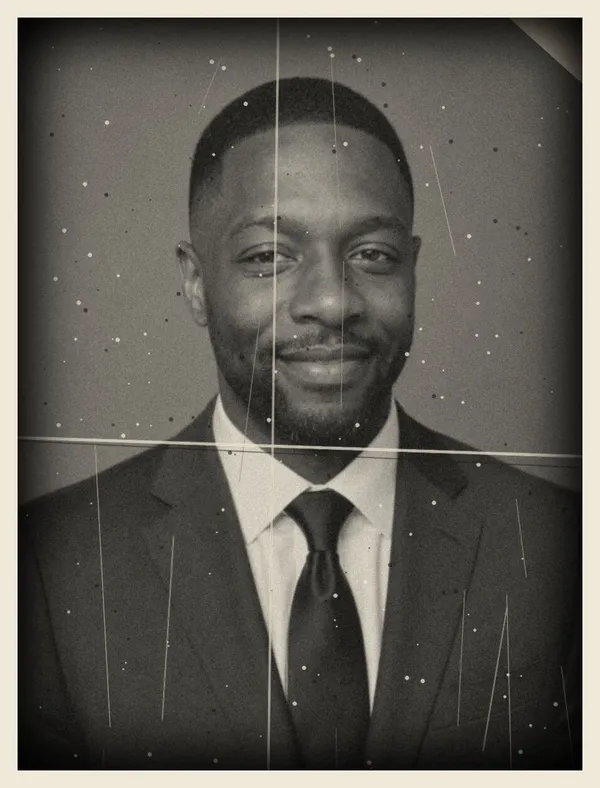
AI-restored old photo: restored and colorized: 1950s black-and-white portrait of a man, stains and scratches removed

Trusted by over 2,787,000 professionals and teams. 47,090,000+ photos generated to date.

2versions of a black and white photo

One repaired, one colorized. Color photos come back repaired.

$5for one photo

Five photos cost $15 and fifteen cost $29. Pay once.

0face recognition

No face model runs on old photos, only file and content checks.

How AI Photo Restoration works

  1. Upload your old photosA scan or a phone photo of the print. Up to 15 in one order.
  2. Choose the fixesRepair damage, sharpen faces and details, add color. All three are on by default.
  3. Compare before and afterEach photo comes back next to the original, ready in minutes. Download the ones you want.

Old photos, before and after

Made with Belagon from old, damaged photos.

Restore my photos
  • Old photo before restoration: damaged old faded 1970s color portrait of a woman: faded, color-shifted and dusty
    Before
    AI-restored old photo: restored: faded 1970s color portrait of a woman, color cast and dust removed
    After
  • Old photo before restoration: damaged old black-and-white portrait of a couple: folded in four with cracked creases
    Before
    AI-restored old photo: restored and colorized: black-and-white portrait of a couple, creases repaired
    After
  • Old photo before restoration: damaged old 1940s sepia portrait of a woman: a torn-off corner and foxing
    Before
    AI-restored old photo: restored and colorized: 1940s sepia portrait of a woman, tear and foxing repaired
    After

What old photo restoration fixes

Turn any of these off before you order if you want the photo left as it is.

AI-restored old photo: restored: black-and-white portrait of a couple, creases repaired
Scratches, tears and stains
AI-restored old photo: restored and colorized: 1950s black-and-white portrait of a man, stains and scratches removed
Colorize black and white photos
AI-restored old photo: restored: 1940s sepia portrait of a woman, tear and foxing repaired
Sharper faces and details

Why restore old photos with AI

  • Back in minutes

    One photo takes about 5 minutes, and fifteen take about 20.
  • The original stays with you

    Work from a scan or a phone photo. The print never leaves your house.
  • Color you can switch off

    Keep the repaired black and white version, the colorized one, or both.
  • No face recognition

    Old photos show parents, grandparents and friends. We run no face model on them.

How to restore old photos at home

  1. 1. Find and sort the prints

    Gather the photos you want to keep from albums, frames and shoeboxes. Start with the ones that are fading or cracking fastest, and the ones showing people nobody else has a picture of. Before you scan, write down who is in each photo and roughly when it was taken. The back of a print often has a date or a name worth keeping too.

  2. 2. Take them out of frames and sleeves

    Glass and plastic sleeves add glare and reflections that look like damage. Remove the photo, handle it by the edges and dust it with a soft, dry brush. Never use water or cleaner on a print. If a photo is stuck to the glass or to an album page, leave it there and photograph it through the glass so it doesn't tear.

  3. 3. Scan or photograph each print

    Scan at 600 dpi if you have a flatbed scanner; 1200 dpi helps with very small prints. With a phone, lay the print flat by a window in daylight, turn the flash off and hold the phone straight above it so the print fills the frame. Restoration works on scans and on phone photos of prints, as long as the image is sharp.

  4. 4. Upload and choose the fixes

    Upload up to 15 photos in one order. Repair, sharpen and colorize are all switched on; turn off any you don't want, for example colorizing a photo you prefer in black and white. No face recognition runs on these photos, since old prints show parents, grandparents and friends. Each photo comes back next to its original in about 5 to 20 minutes.

  5. 5. Check the result against the original

    Compare each restored photo with the original before you share it. Scratches, creases, stains, fading and soft focus restore well. A face that is torn away or mostly missing can't be recreated accurately, and very small faces may come out with guessed details. Added colors are a likely guess, not the real colors of the day, so clothes and cars may differ.

  6. 6. Save, print and share

    Download the restored photos within 30 days, then keep the scan and the restored file together in two places, such as your computer and a cloud folder. Print them on photo paper for frames, albums or a memorial table, and send copies to relatives in the family group chat. Keep the original print in an album, away from sunlight and damp.

AI Photo Restoration, paid once

3 packs, from $5. No subscription.

1 photo

$5

  • 1 old photo restored
  • Colorized too if black and white
  • 5 mins delivery
  • Enhanced resolution
Select

5 photos

Recommended

$15

  • 5 old photos restored
  • Colorized too if black and white
  • 10 mins delivery
  • Enhanced resolution
Select

15 photos

$29

  • 15 old photos restored
  • Colorized too if black and white
  • 20 mins delivery
  • Enhanced resolution
Select

Money-back guarantee. How it works

Your photos stay yours

  • Used for your order only. Your old photos are used to restore them and nothing else. We never use them to train shared AI models.
  • Deleted on a schedule. Uploads 7 days after delivery, finished photos after 30 days.
  • Private gallery. Only someone with your link can open your photos.
  • Delete any time. One button in your gallery removes everything. Privacy Policy

Love them, or we make it right

Not happy with your photos? Tell us within 14 days, before you download, and we’ll redo them or refund you in full. How the guarantee works

Questions about AI Photo Restoration

Anything else? Email support@belagon.com.

How much does photo restoration cost?

One photo is $5, five photos are $15 and fifteen photos are $29. Each photo comes back repaired, plus a colorized version when it's black and white or faded. You pay once.

Can I restore a photo I took with my phone?

Yes. A phone photo of the print works if it's sharp, evenly lit and taken straight on. A flatbed scan at 600 dpi gives the most detail.

Are the colors accurate?

They are the AI's best guess based on what is in the photo. Skin, sky and foliage usually look natural, but the colors of clothes or cars may differ from the real ones.

Can it fix a missing face or a torn-off corner?

It fills in small tears and scratches. A face that is mostly missing can't be recreated accurately, and large missing areas are filled with a guess.

Can I restore photos of other people?

Yes. Old family photos usually show other people, so restoration runs no face recognition and no likeness check. Upload only photos you have the right to use.

How long does it take?

About 5 minutes for one photo, 10 minutes for five and 20 minutes for fifteen.

What happens to my photos?

We delete your uploads 7 days after delivery and the restored photos 30 days after delivery. You can delete everything sooner from your account. See our privacy policy.


One photo for $5

Bring back an old family photo today

Restore my photos